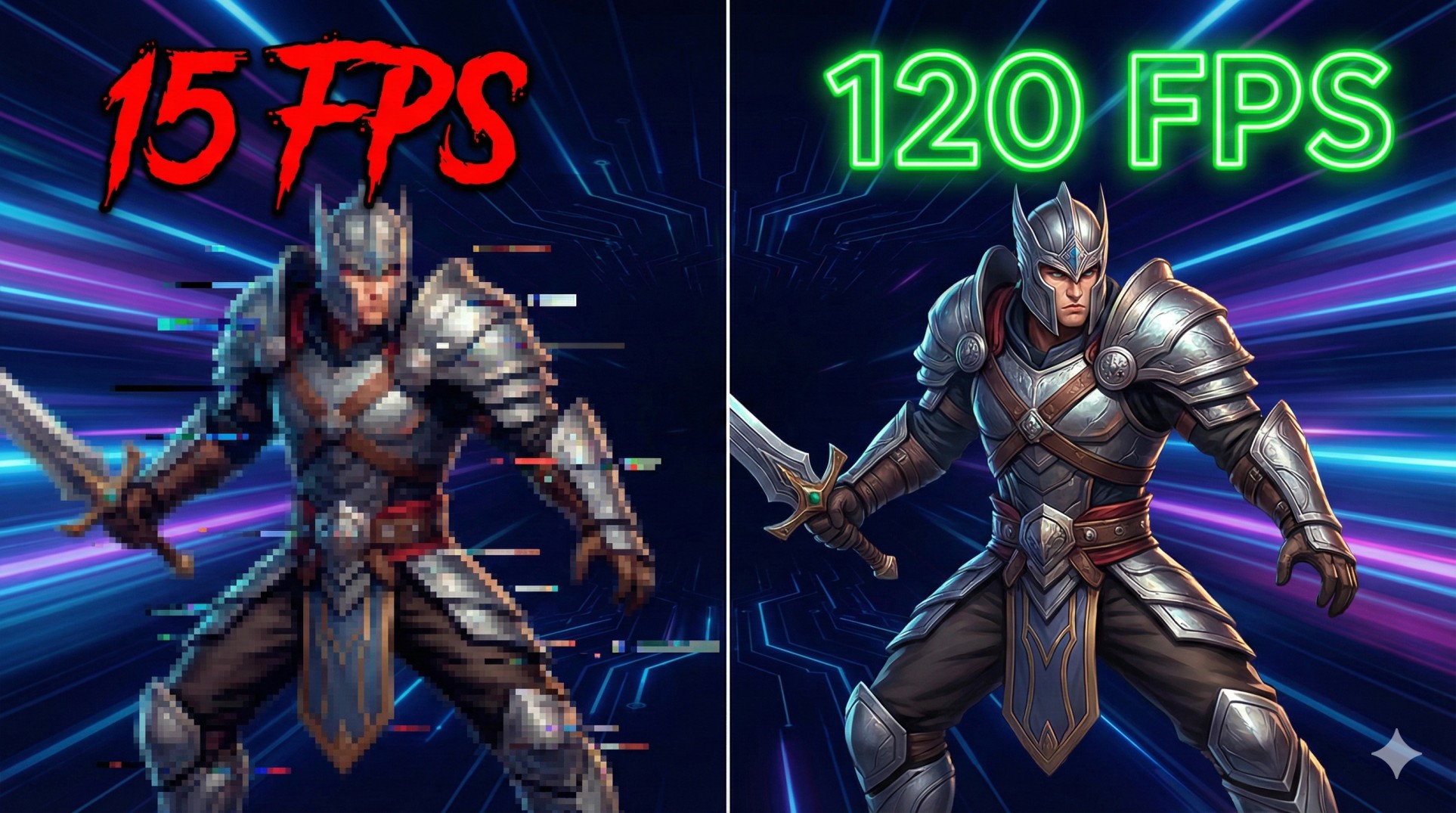
"You spot an enemy. You aim. You click fire. And suddenly... your screen freezes.
By the time the next frame loads, you are already dead, and your teammate is typing 'NOOB' in the chat.
It's not you. It's your FPS. Playing on a low-end PC is like trying to win a Formula 1 race in a tractor."
But wait! Before you throw your laptop out of the window, read this. You don't need a $2000 graphics card to enjoy smooth gameplay. You just need to stop your Windows from acting like a spoiled brat. Let's optimize.
"Graphics make a game look good, but FPS makes a game playable. Always choose frames over beauty."
Step 1: Unlock 'Ultimate Performance' Mode
Windows hides its true power to "save electricity." We don't care about the electricity bill; we care about headshots. Let's unlock the beast mode.
- Open Command Prompt (CMD) as Administrator.
- Copy and paste this magic code:
powercfg -duplicatescheme e9a42b02-d5df-448d-aa00-03f14749eb61
Now go to Control Panel > Power Options and select "Ultimate Performance". Your CPU will now run at full speed, all the time.
Step 2: Disable 'Fullscreen Optimizations'
Ironically, a feature Windows made to "optimize" games actually ruins them. It adds a weird overlay that causes input lag and stuttering.
- Right-click your game icon (e.g., Valorant.exe or GTA5.exe).
- Go to Properties > Compatibility.
- Check the box that says "Disable fullscreen optimizations".
- Click Apply. Boom! Input lag gone.
Step 3: The 'Debloat' Surgery
Your PC is carrying a heavy backpack of useless apps like Cortana, OneDrive, and Xbox Game Bar (unless you use it). These apps eat your RAM in the background.
Quick Clean-up:
Go to Settings > Gaming > Game Mode and turn it ON.
Then go to Xbox Game Bar and turn it OFF. It records your screen in the background, which murders your FPS.
Step 4: Lower Resolution (The Desperate Move)
If you are still lagging, this is the ultimate sacrifice. Lowering your resolution from 1920x1080 to 1280x720 gives a massive FPS boost.
Yes, the game will look a bit blurry, like you lost your glasses. But would you rather see a sharp image at 10 FPS or a blurry image at 60 FPS? The choice is yours.
Conclusion: It's Possible!
You don't need NASA's computer to have fun. By cleaning up your Windows and tweaking these settings, you can squeeze every drop of juice out of your potato PC. Now go out there and click some heads!
Need help with a specific game? Email us and tell us your specs!