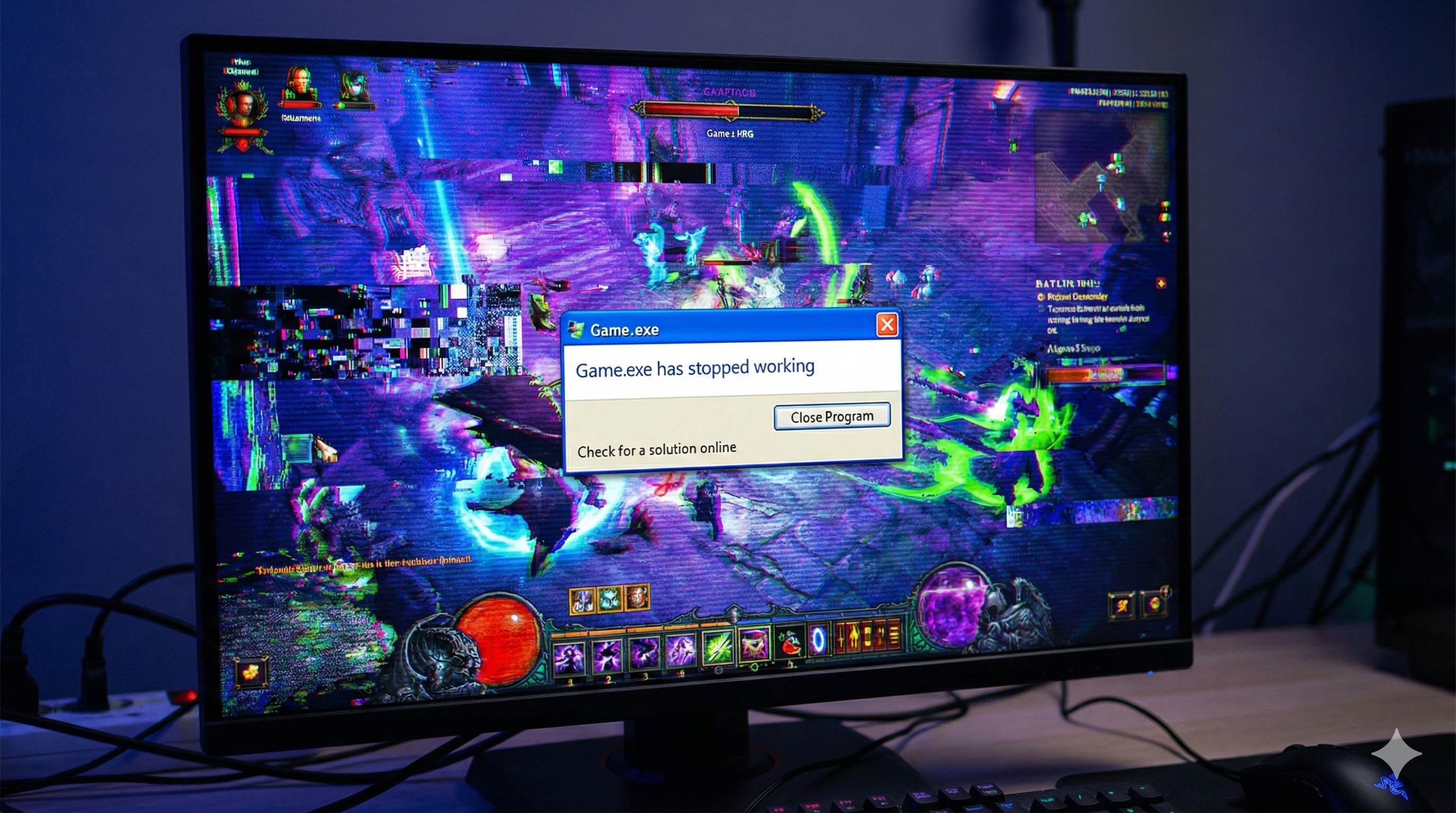
"You are playing the best match of your life. You are about to defeat the final boss.
Then, everything freezes. The sound loops like a broken record: drr-drr-drr.
And boom. You are staring at your desktop wallpaper. No error message. No warning.
The Game Crash. It's not just a glitch; it's a personal attack on your happiness."
Crashes happen to everyone, even on $5000 PCs. But if your game is crashing every 20 minutes, something is wrong with your software. Before you reinstall Windows, try these 5 proven fixes.
"If you overclocked your GPU to get 5 more FPS, turn it off. Unstable overclocking is the #1 cause of random crashes."
Fix 1: The "Self-Repair" Tool (Verify Integrity)
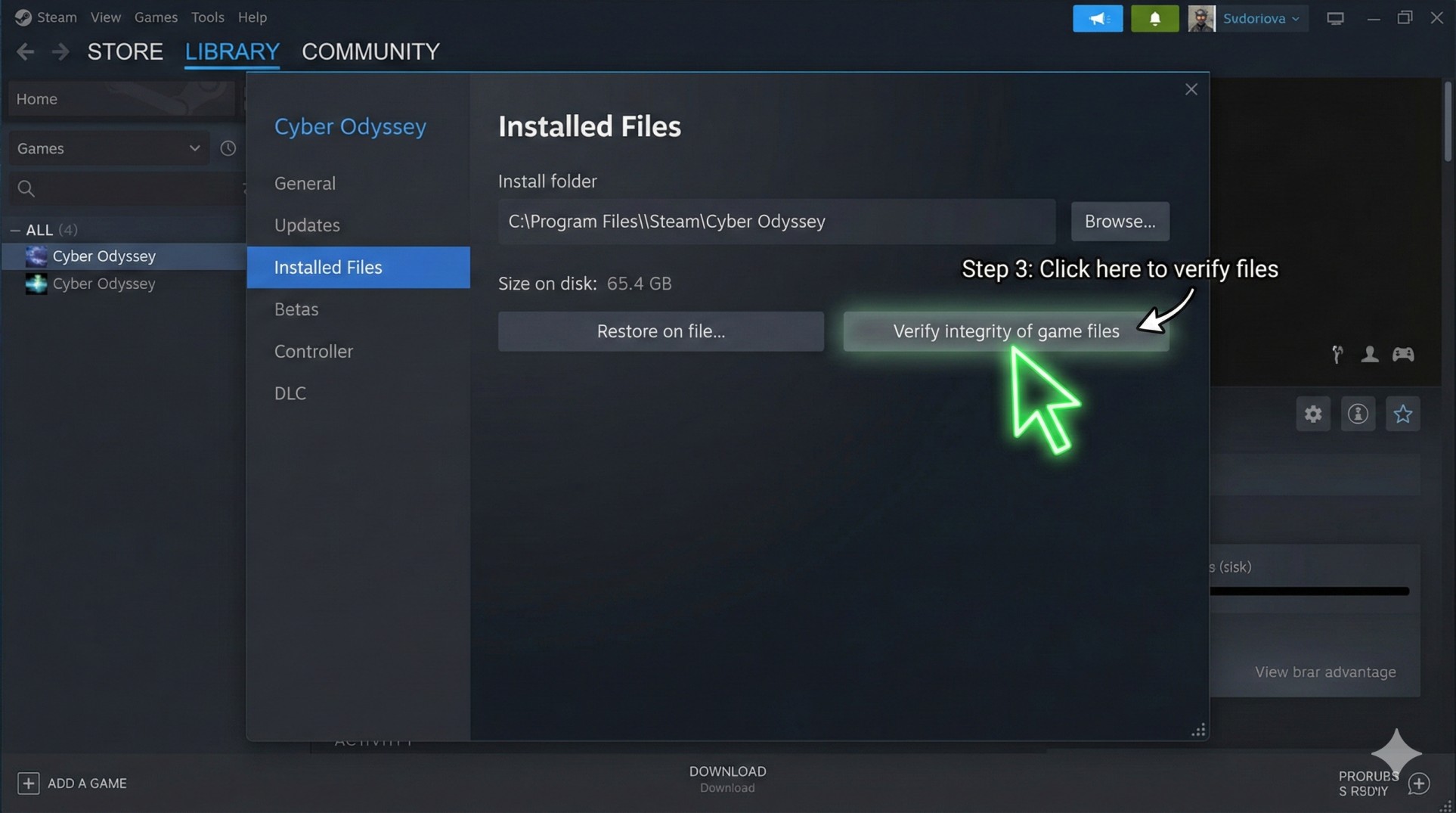
Sometimes, a tiny game file gets corrupted during a download or update. Steam and Epic Games have a built-in doctor for this.
- Steam: Right-click Game > Properties > Installed Files > Click **"Verify integrity of game files"**.
- Epic Games: Click the three dots (...) next to the game > Click **Manage** > Click **Verify**.
It will take a few minutes, find the broken file, and re-download just that piece. Magic.
Fix 2: Update Drivers (The Clean Way)
Old graphics drivers are like expired milk—they will make your PC sick. But simply clicking "Update" isn't always enough.
Download the latest driver from NVIDIA (GeForce Experience) or AMD (Adrenalin). When installing, choose **"Custom Installation"** and check the box that says **"Perform a Clean Install"**. This wipes out old settings that might be causing conflicts.
Fix 3: Install the "Missing Language" (Visual C++)
Games are written in code languages like C++. If your PC doesn't understand the language, the game crashes.
Go to Microsoft's website and download the latest **Visual C++ Redistributable (x64 and x86)**. Install both. Restart your PC. You will be surprised how many "Fatal Errors" this fixes.
Fix 4: Disable "XMP" or Overclocking
If you recently enabled XMP (for RAM speed) or overclocked your GPU using MSI Afterburner, your hardware might be unstable.
Try turning off all overclocks. Yes, you might lose 5 FPS, but a stable game at 60 FPS is better than a crashing game at 65 FPS.
Conclusion: It's Fixable
Don't panic. 90% of crashes are software issues, not broken hardware. Start by verifying your game files and updating drivers cleanly. Your game will be back up and running in no time.
Still crashing with a "Blue Screen"? That's serious. Contact us with the error code.