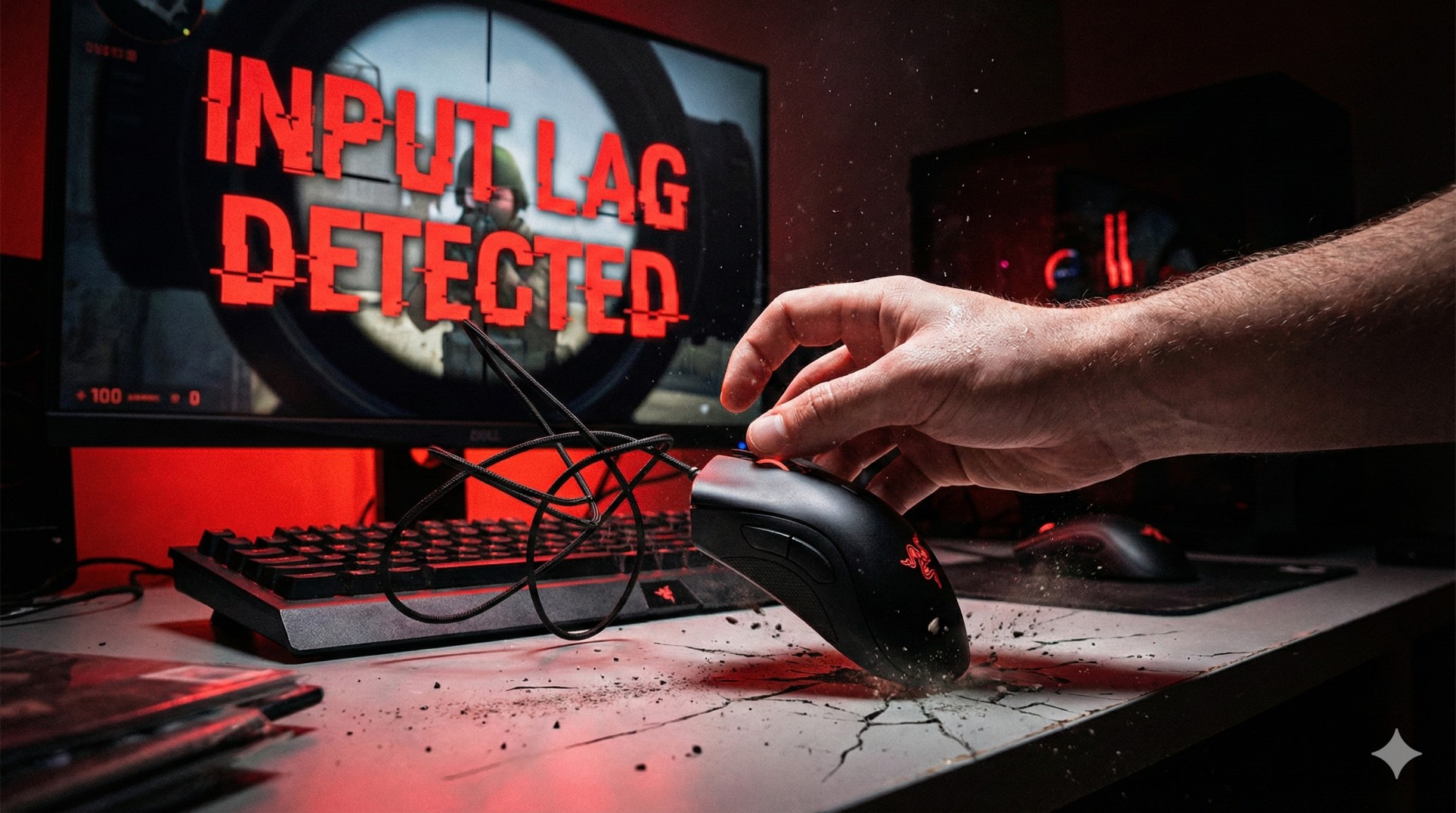
"You hold the angle. Your crosshair is perfectly placed. The enemy peeks.
Your brain says 'CLICK!'. Your hand moves the mouse.
But on screen, your crosshair moves a split second too late. You miss the easiest shot of your life.
Your mouse feels 'floaty', like it's moving through mud. This isn't bad aim; this is Input Lag, the ultimate enemy of muscle memory."
If you want to rank up in competitive shooters like Valorant, CS:GO, or Apex Legends, your mouse needs to be an extension of your arm. Even a 10ms delay can ruin your aim. Let's fix that floaty feeling right now.
"Consistency is key. Mouse acceleration destroys consistency. Kill it before it kills your rank."
Step 1: Kill the Enemy (Disable Mouse Acceleration)
Windows thinks it's helping you by adding "acceleration". This means if you move your mouse fast, the cursor goes further than if you move it slow over the same distance.
This ruins muscle memory because your flick shots will never be consistent. You need 1:1 raw input.
The Fix:
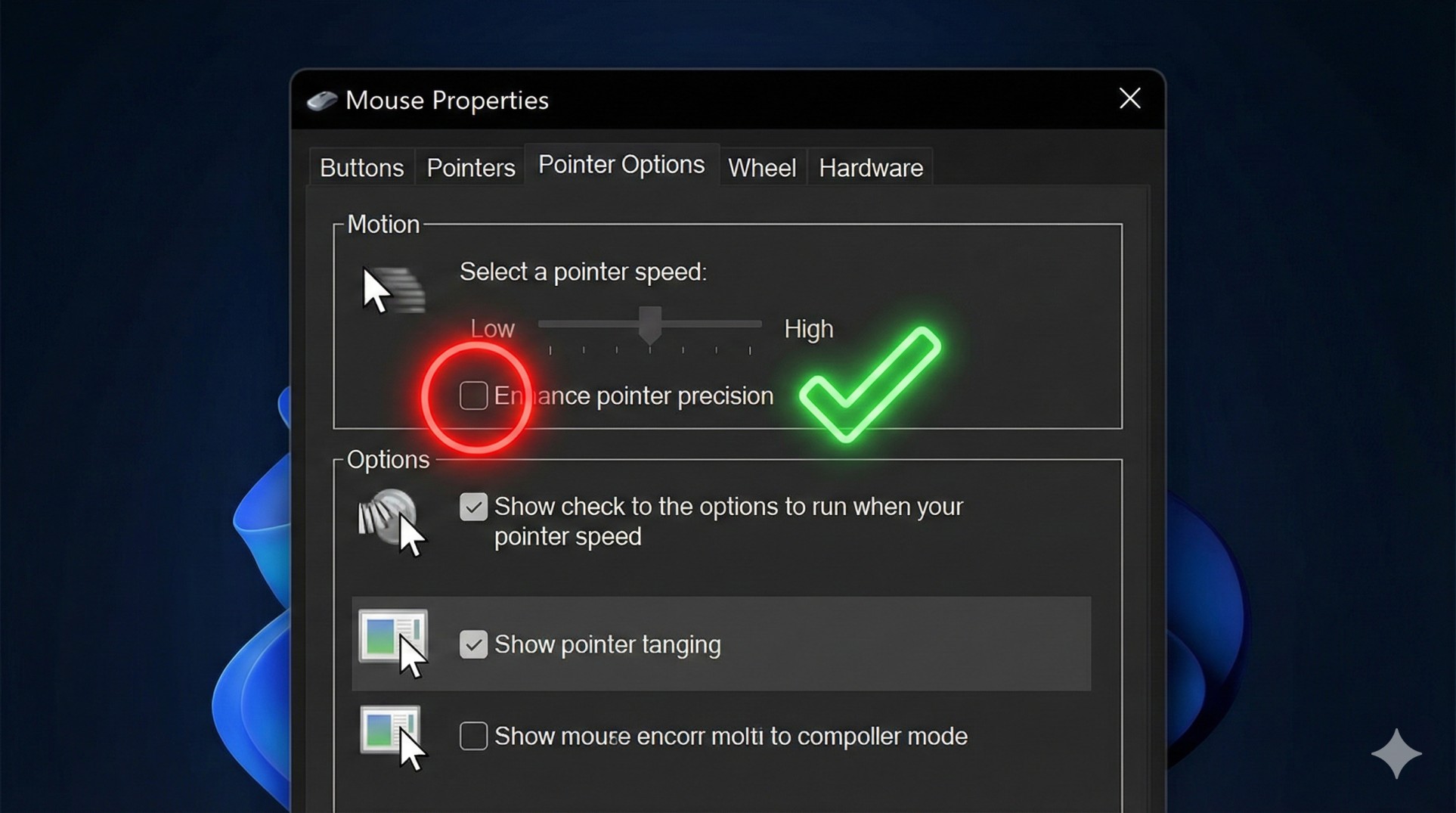
- Type **"Mouse Settings"** in Windows Search.
- Click **"Additional mouse options"** on the right/bottom.
- Go to the **Pointer Options** tab.
- UNCHECK the box that says **"Enhance pointer precision"**.
- Click Apply. It will feel weird for a day, but your aim will improve massively.
Step 2: Check Your Polling Rate (Hz)
Polling rate is how often your mouse reports its position to your PC per second. A cheap office mouse uses 125Hz (slow). A gaming mouse uses 1000Hz (fast).
- Download your mouse software (Logitech G Hub, Razer Synapse, etc.).
- Set the Polling Rate to **1000Hz** (or 500Hz if you have a very old CPU).
- Never use 125Hz for gaming; it feels choppy and laggy.
Step 3: Turn OFF V-Sync (Crucial!)
V-Sync is great for making single-player games look smooth without screen tearing, but in competitive games, it adds massive input lag because it forces your mouse to wait for the monitor to refresh.
Go to your game's Video Settings and ensure **V-Sync is OFF**. If you hate screen tearing, use NVIDIA G-Sync or AMD FreeSync instead, which don't add lag.
Conclusion: Trust Your Hand
Once you disable acceleration and fix your settings, your mouse movement will feel "raw" and instant. It might take a few days to get used to it, but once you build that muscle memory, you won't be missing those easy shots anymore.
Still feeling laggy? Your mouse sensor might be dirty or damaged. Contact us for advice.