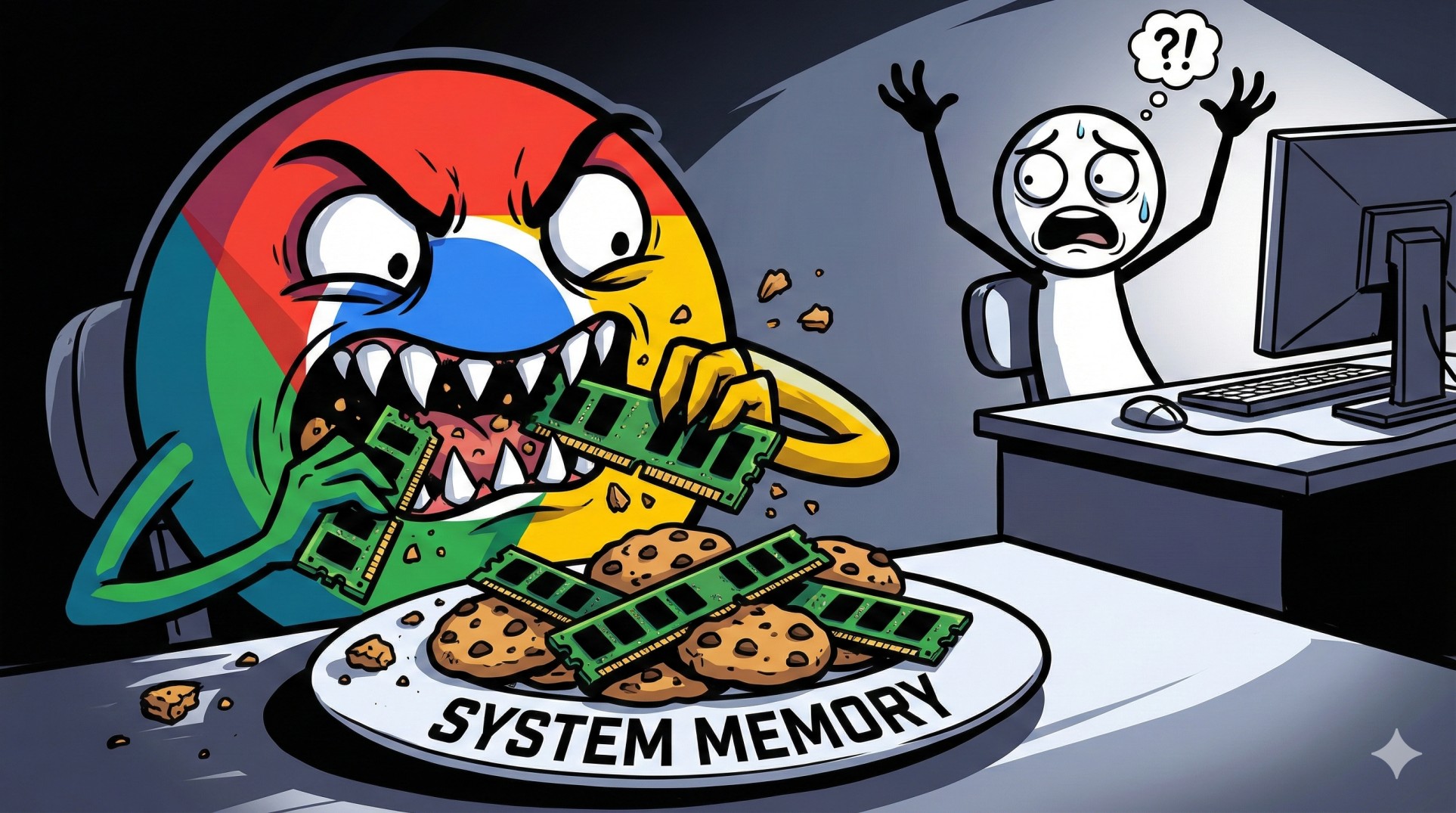
"You have a powerful CPU. You have a shiny new graphics card. You launch your favorite open-world game.
Then, you decide to open just one tab of Google Chrome on your second monitor to check a guide.
Suddenly, your PC has a seizure. The game stutters, the music stops, and your mouse freezes.
Congratulations, you just ran out of RAM."
RAM (Random Access Memory) is the most misunderstood part of a gaming PC. People either buy way too much of it just because it has RGB lights, or way too little and choke their expensive CPU. Let's simplify it once and for all.
"Think of your RAM as a physical workbench.
The bigger the workbench (8GB vs 32GB), the more projects (Game, Discord, Chrome) you can have open at the same time without things falling off the edge."
1. The Capacity Debate: 8GB vs 16GB vs 32GB
In 2026, game developers are lazy. Games are unoptimized and eat memory for breakfast. Here is the harsh reality:
- 8GB RAM: The Dinosaur. It's dead. Windows 11 alone uses 4GB. Launching a modern game on 8GB is like trying to fit an elephant into a Mini Cooper. Expect massive stuttering.
- 16GB RAM: The Bare Minimum. This is the new standard. You can play almost any game comfortably. BUT, you have to close Chrome, Discord, and Spotify before playing demanding titles.
- 32GB RAM: The Sweet Spot. This is freedom. Play Cyberpunk 2077 while having 50 Chrome tabs open, streaming on Discord, and listening to music. No stutters, ever.
Verdict: If you are building a PC in 2026, get **32GB** (2x16GB kit). It's cheap enough now, and you won't need to upgrade for years.
2. The Golden Rule: Always Use "Dual Channel"
This is more important than speed or size. Never, ever buy a single stick of RAM for gaming.
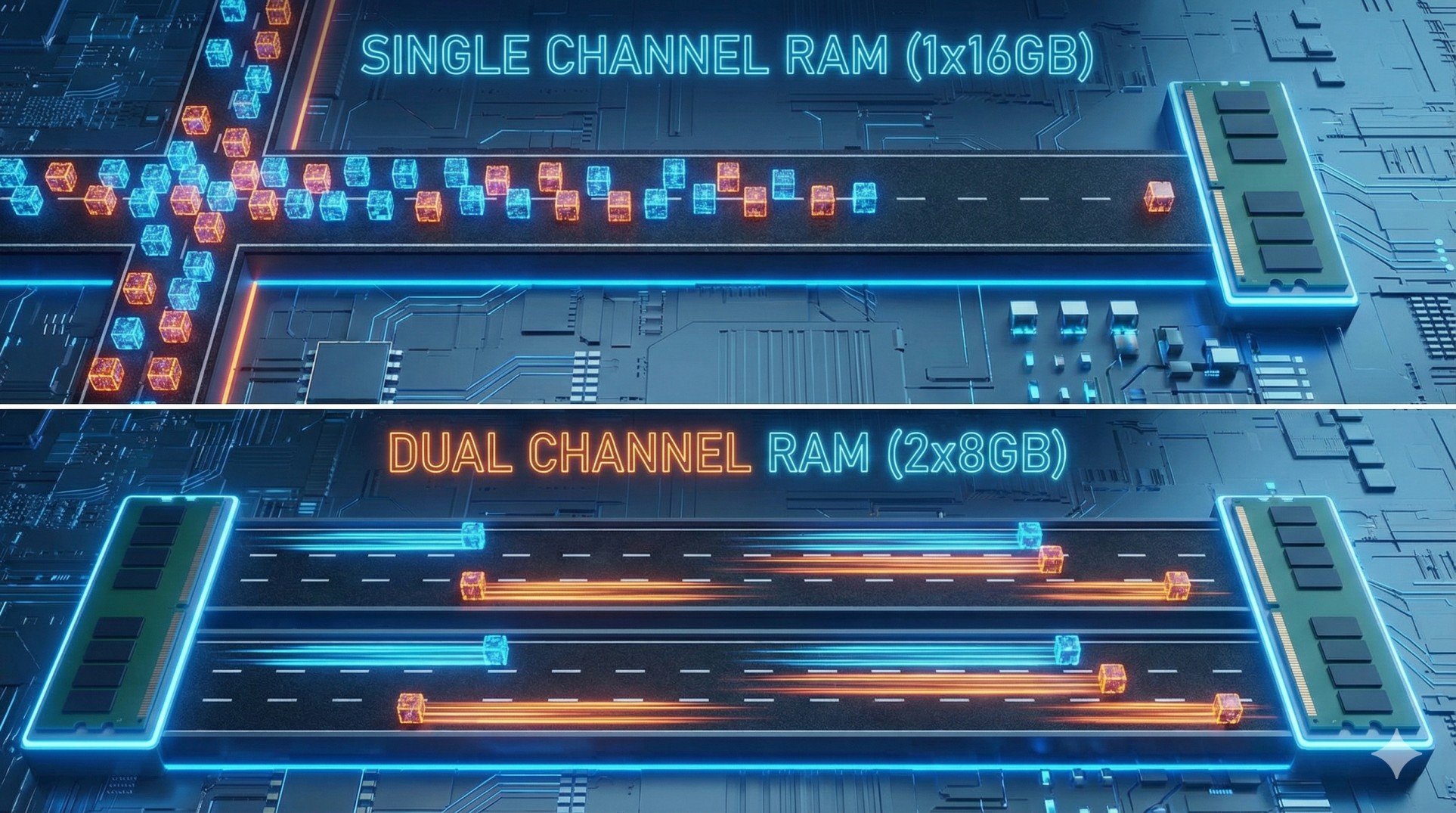
Think of it like a highway for data. A single 16GB stick is a one-lane road. It gets congested easily.
Two 8GB sticks (total 16GB) act as a **two-lane highway**. Data flows twice as fast. This can give you a free 15-20% FPS boost in some games.
Rule: Always buy kits of two (2x8GB, 2x16GB) and plug them into the correct slots on your motherboard (usually slots 2 and 4).
3. Speed vs Latency (MHz vs CL)
You see numbers like "DDR4 3600MHz CL18" or "DDR5 6000MHz CL30". Don't panic.
- MHz (Speed): How fast the workers on your workbench move. Bigger number = better.
- CL (Latency): How long it takes for a worker to start moving when you tell them to. Smaller number = better.
Verdict: Don't overspend here. Capacity (32GB) matters way more than ultra-fast speed. Get a standard speed kit (e.g., DDR5 6000MHz CL30) and forget about it.
Conclusion: Stop Bottlenecking Your PC
Don't let a $100 RAM kit ruin the performance of your $1500 PC build. In 2026, aim for 32GB in Dual Channel. It’s the easiest way to ensure smooth, stutter-free gaming while multitasking like a pro.
Not sure which RAM kit fits your motherboard? Send us your specs, and we'll pick one for you.