"You watch YouTubers playing with 4, 5, or even 6 fingers. They jump, slide, and shoot all at once.
You try to copy them. Five minutes later, your fingers are tangled like noodles, your hands hurt, and you died to a bot.
Let's face it: Human fingers weren't designed to play piano on a glass screen.
But there is a cheat code (a legal one)."
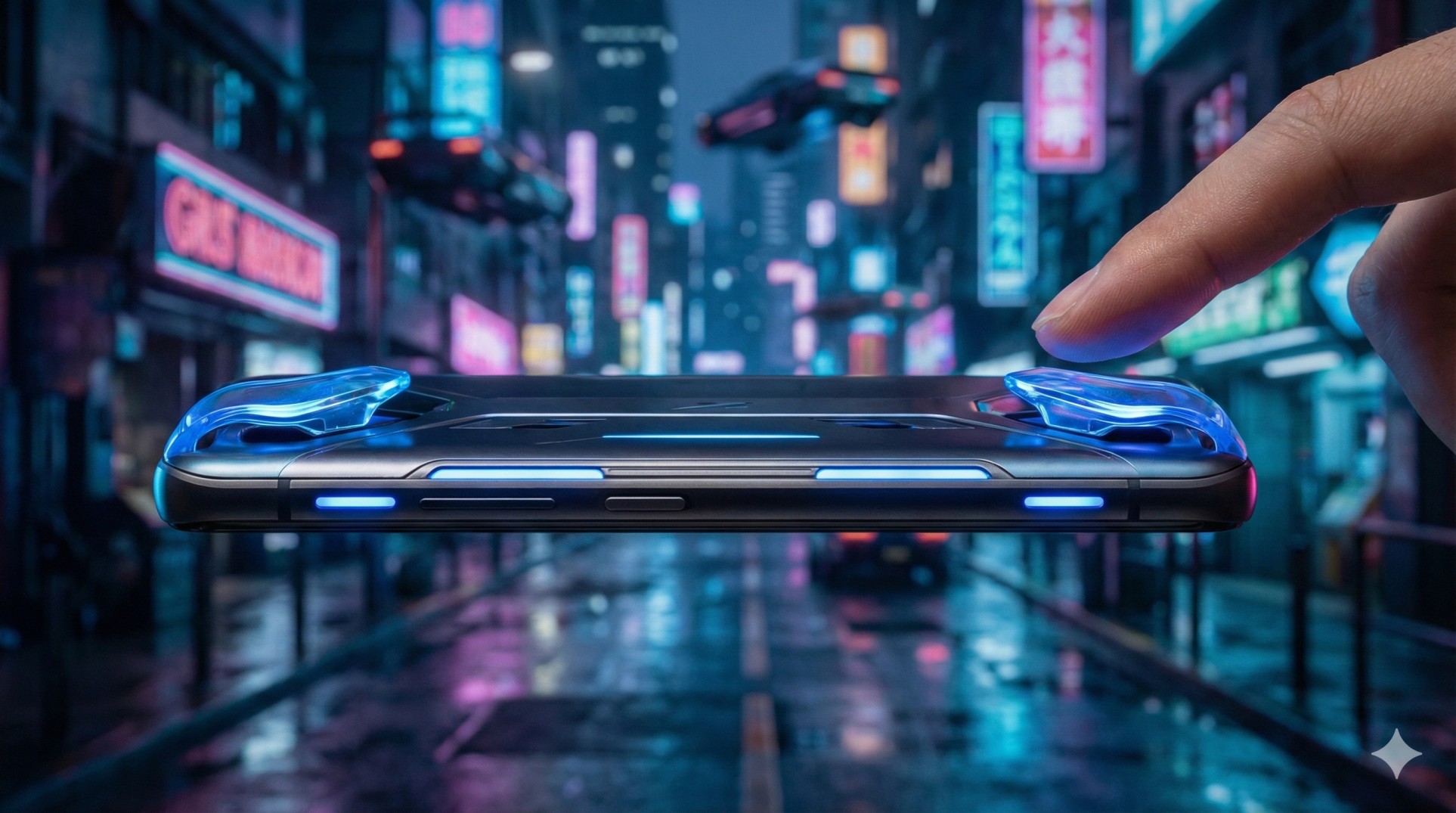
Mobile Triggers (or Shoulder Buttons) are small clip-on accessories that add L1/R1 buttons to your phone. They allow you to play with 4 fingers instantly without twisting your hands.
"With triggers, your thumbs only focus on moving and aiming. Your index fingers handle shooting and jumping. This separates the workload and doubles your reaction speed."
1. Capacitive vs. Mechanical: Which is Better?
When buying triggers, you will see two types. Choosing the wrong one is a waste of money.
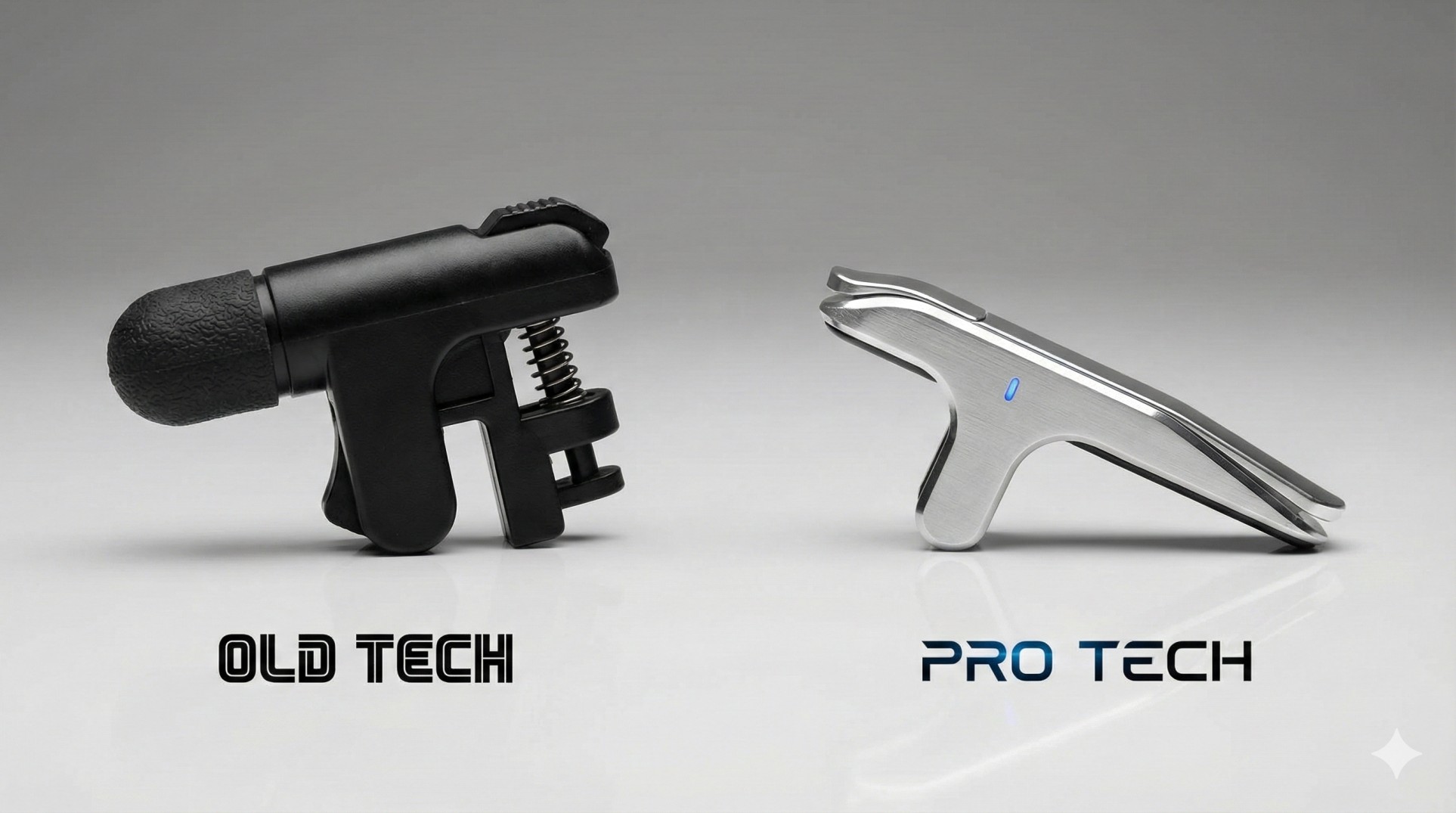
- Mechanical Triggers: These have a little rubber arm that physically touches the screen when you press the button.
Pros: Cheap, satisfying 'click' sound.
Cons: Can block the map view, slower response time. - Capacitive (Air) Triggers: These use electrical impulses to simulate a touch.
Pros: Instant response (zero delay), smaller, look cooler.
Cons: Slightly more expensive.
Verdict: Go for **Capacitive Triggers**. They are faster and last longer.
2. Are Triggers "Cheating"?
Short answer: No.
Using external software (hacks) or keyboard/mouse on mobile is cheating. But triggers are just passive hardware, like using a better pair of headphones or a cooling fan. Official tournaments (like PMCO) usually ban them, but for rank pushing and casual play, they are 100% safe and legal.
3. How to Set Up Your HUD
Buying them is easy; setting them up is where people fail.
- Attach the triggers to the top of your phone.
- Open Game Settings > **Controls** > **Customize**.
- Move the **"Fire"** button to the top-left (under the Left Trigger).
- Move the **"Scope/ADS"** button to the top-right (under the Right Trigger).
- Save layout and enter Training Mode.
Conclusion: The $5 Upgrade
You don't need a $1000 gaming phone with built-in shoulder buttons. A simple pair of ₹150 ($2) triggers can give you the same advantage. Stop struggling with claw controls and start dominating with triggers.
Looking for a good gaming phone instead? Check our iPhone Gaming Guide.