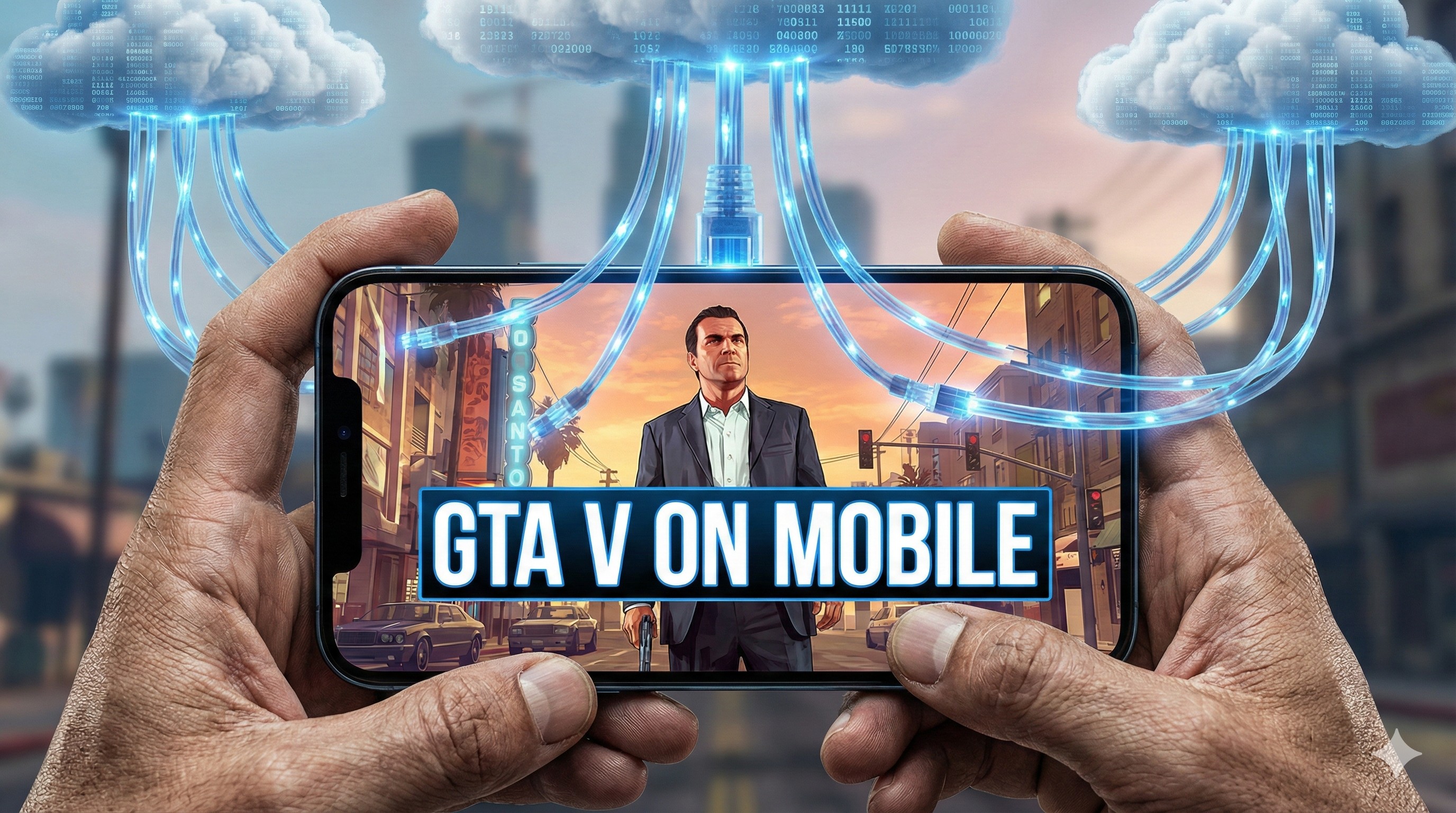
"You watch streamers playing GTA V Roleplay. You watch videos of Spider-Man swinging through New York.
You look at your Android phone and sigh. 'I wish I had a gaming PC,' you think.
Stop wishing. Start playing.
You don't need a ₹1 Lakh PC. You just need good internet. Welcome to the magic of Cloud Gaming."
Cloud Gaming is like Netflix for video games. The game doesn't run on your phone; it runs on a super-computer in a server room somewhere, and the video is streamed to your mobile instantly. You control it, and it feels like magic.
"You need FAST internet. A stable 5G connection or 5GHz Wi-Fi is mandatory. If you are on slow 4G, don't bother; it will be a laggy mess."
1. Best Apps for Cloud Gaming
There are several services, but these are the best for mobile gamers in 2026:
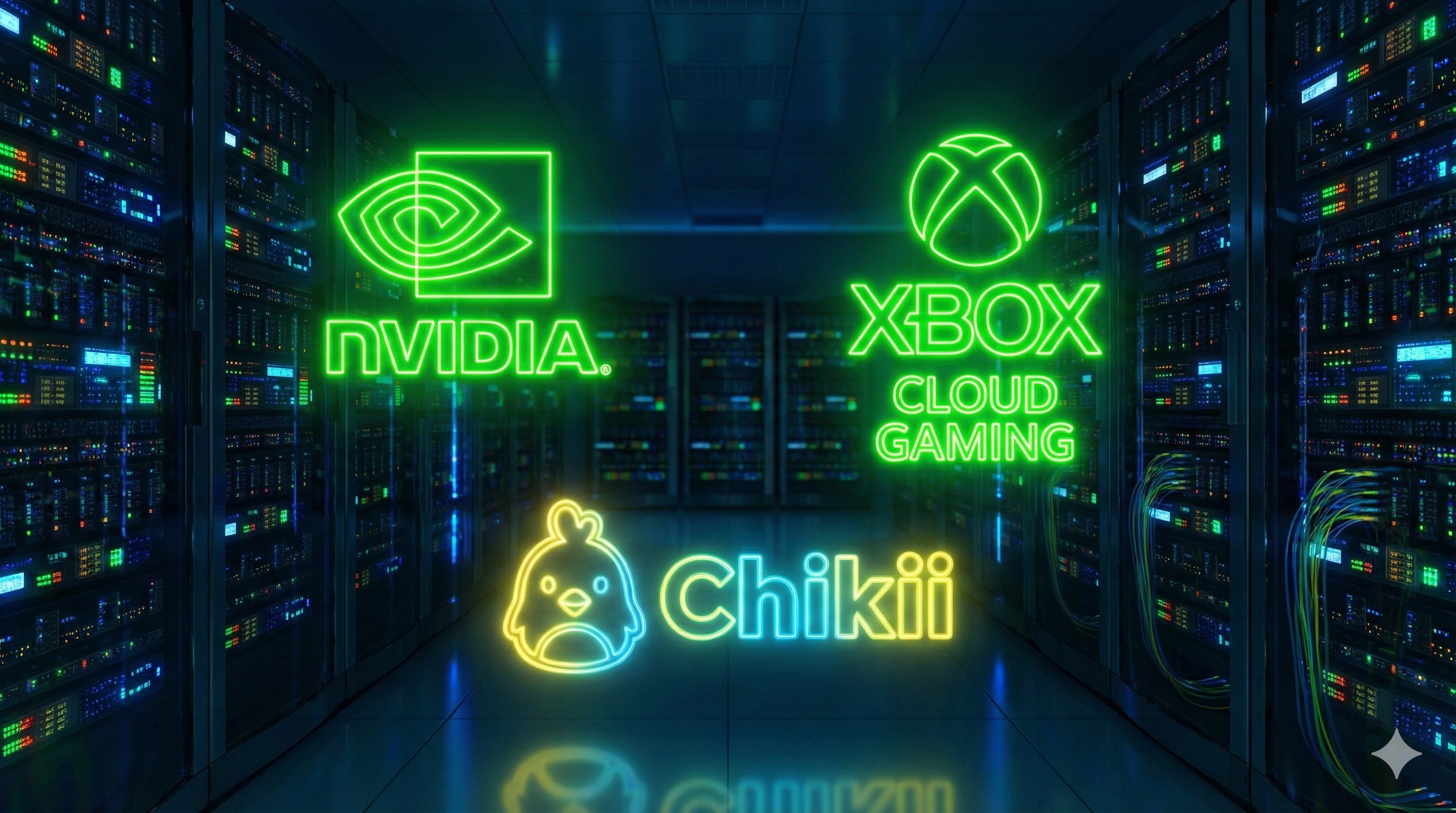
- GeForce Now (Free/Paid): The gold standard. Connects to your Steam/Epic library. You can play games you already own on PC with zero lag.
- Chikii / Mogul (Coin System): Popular in Asia. You "rent" a PC by collecting coins or watching ads. Good for trying out GTA V without buying it.
- Xbox Game Pass (Ultimate): The Netflix of games. Pay a monthly fee and get access to 100+ games like Forza Horizon 5 and Halo.
2. Touch Controls vs. Controller
Playing PC games with on-screen touch buttons is... painful. Your fingers cover the screen, and aiming is hard.
Recommendation: Buy a cheap Bluetooth controller or a mobile gamepad (like GameSir X2). It turns your phone into a Switch-like console. If you can't buy one, use the "Virtual Controller" overlay provided by the apps, but be ready for a learning curve.
3. How to Fix Lag & Latency
If you press 'Jump' and your character jumps 1 second later, that's latency. Here is how to fix it:
- Use 5GHz Wi-Fi: Never use 2.4GHz Wi-Fi for cloud gaming. It's too slow.
- Close Background Apps: Your internet bandwidth must be 100% focused on the game.
- Server Selection: Always manually select the server closest to your country (e.g., Singapore or Mumbai) in the app settings.
Conclusion: The Future is Now
Cloud gaming has erased the line between Mobile and PC gaming. With the right app and a good connection, your humble Android phone is now the most powerful console in the world.
Experiencing network lag? Check our Network Fix Guide.