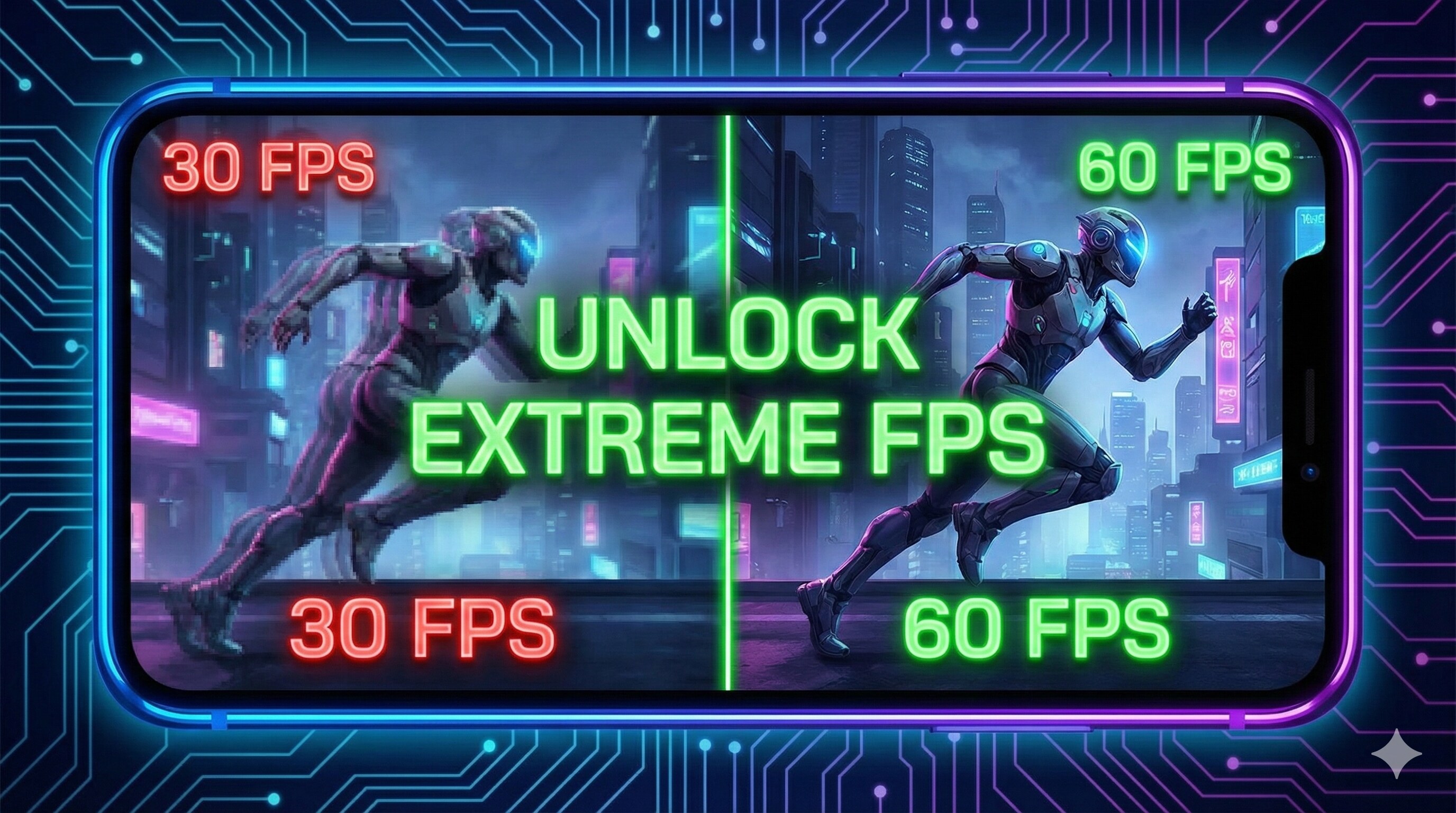
"You shoot first, but you die first. Why?
Because while your screen showed the enemy peaking, he had already emptied half a magazine into you.
Welcome to the curse of 30 FPS. Playing competitive games at low frame rates is like running a race with your shoelaces tied together."
Most budget and mid-range phones are capable of handling 60 FPS, but manufacturers lock it to save battery. Today, we are going to break those locks (safely) and unleash your phone's true potential.
"At 30 FPS, your screen updates every 33ms. At 60 FPS, it updates every 16ms.
That 17ms difference is literally faster than human reaction time. It's a legal cheat code."
Step 1: The 'Display Refresh Rate' Trick
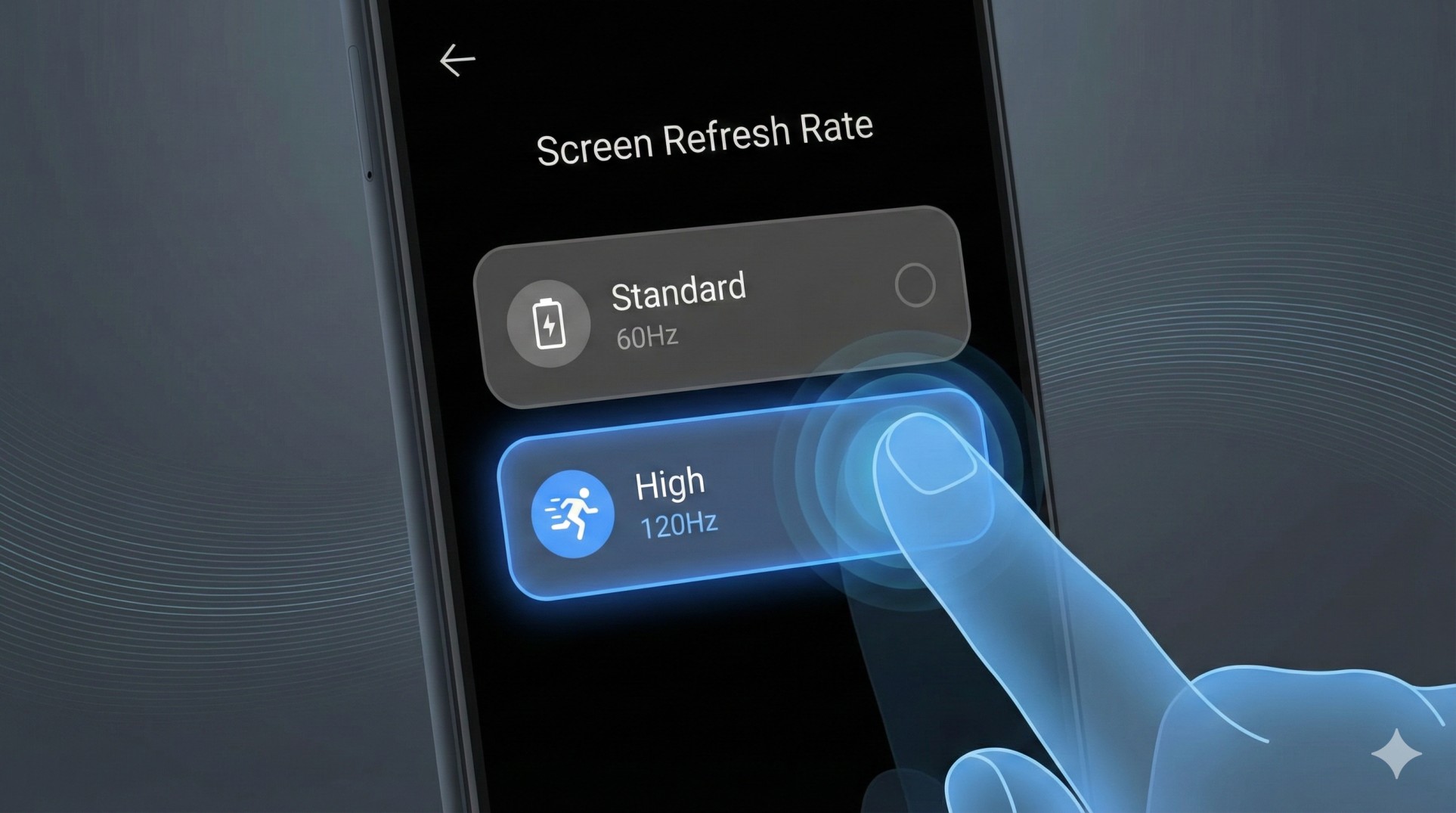
Many new phones come with 90Hz or 120Hz screens, but they default to 60Hz to save power. If your screen is set to 60Hz, you can NEVER see 90 FPS in games.
- Go to **Settings > Display**.
- Look for **Refresh Rate** or **Motion Smoothness**.
- Select **High (90Hz / 120Hz)**.
- Now your phone is physically ready to show more frames.
Step 2: Unlock Settings Inside the Game
Developers hide high FPS options on cheaper phones. But sometimes, it's just about picking the right combo.
Correct Settings: Go to Graphics Settings. Set **Graphics to 'Smooth'** (Lowest). This usually unlocks the **'Extreme' (60 FPS)** or **'90 FPS'** option under Frame Rate.
Step 3: Force 'Peak Refresh Rate' (Developer Options)
Sometimes your phone drops the refresh rate when you open a game. Let's force it to stay high.
- Go to **Settings > About Phone**. Tap 'Build Number' 7 times to enable Developer Options.
- Go to **System > Developer Options**.
- Find **"Force Peak Refresh Rate"** and turn it ON.
- Also, find **"4x MSAA"**. Turn it ON for better visuals, but OFF if you want maximum FPS.
Step 4: Using GFX Tools (Read Carefully!)
If the game still doesn't give you the 60 FPS option, GFX tools can force it.
WARNING: Using GFX tools can sometimes lead to account bans in games like BGMI/PUBG. Use them at your own risk.
If you decide to use one:
- Download a trusted GFX Tool from Play Store.
- Select your game version.
- Set Resolution to **1024x576** (Lowest).
- Set FPS to **60 FPS**.
- Hit 'Apply'.
This modifies the game's config file to unlock the setting visible in the menu.
Conclusion: Speed is Life
Once you play at 60 FPS, you can never go back to 30. Your aim will feel stickier, your movement faster, and you will finally start winning those close-range fights.
Phone getting hot at 60 FPS? Check our Cooling Guide.