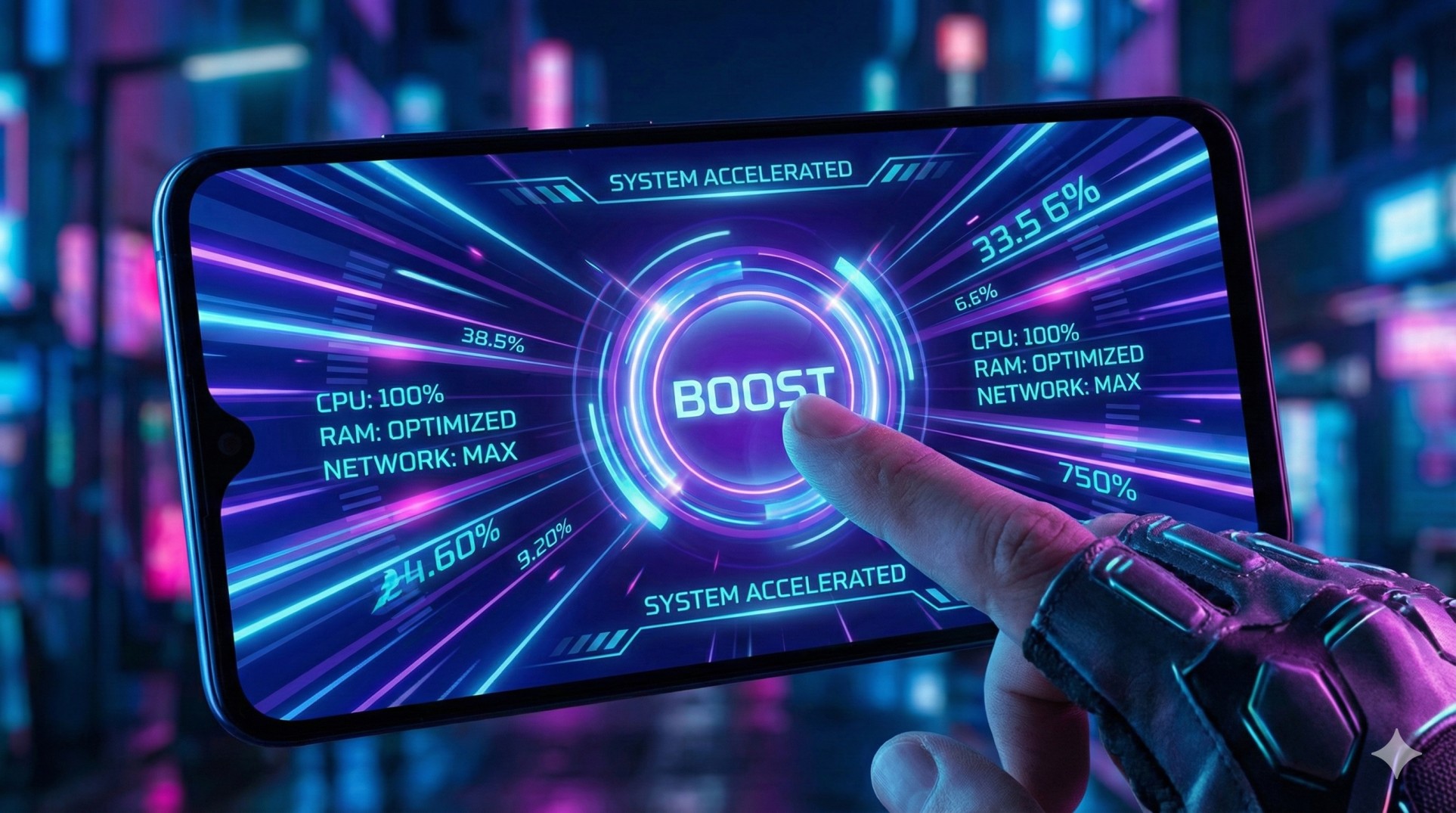
"You are clutching a 1v4. Your aim is locked.
Suddenly, a WhatsApp call pop-up covers half your screen: 'Mummy Calling...'
You panic, click 'Decline', but accidentally click the notification. The game minimizes.
By the time you open the game again, you are dead.
If only you had configured Game Mode correctly."
Every brand calls it something different—Game Turbo (Xiaomi), Game Space (Realme/OnePlus), or Game Launcher (Samsung). But they all do one thing: turn your phone into a dedicated gaming console. Let's unlock its full power.
"Game Mode can actually increase your Touch Sensitivity, making your character react faster than normal. It's like a legal aim-assist."
1. Block Calls & Notifications (DND)
This is the most important feature. You don't want a banner covering your crosshair.
- Open your **Game Space/Turbo** app.
- Go to **DND Settings**.
- Turn on **"Block Calls"** (or set to 'Hands-free' so it doesn't cover the screen).
- Turn on **"Hide Notifications"**. Now, messages will scroll silently in the background or not appear at all.
2. Performance Mode (The Boost)
By default, phones try to save battery. In Game Mode, you can tell the CPU to go wild.
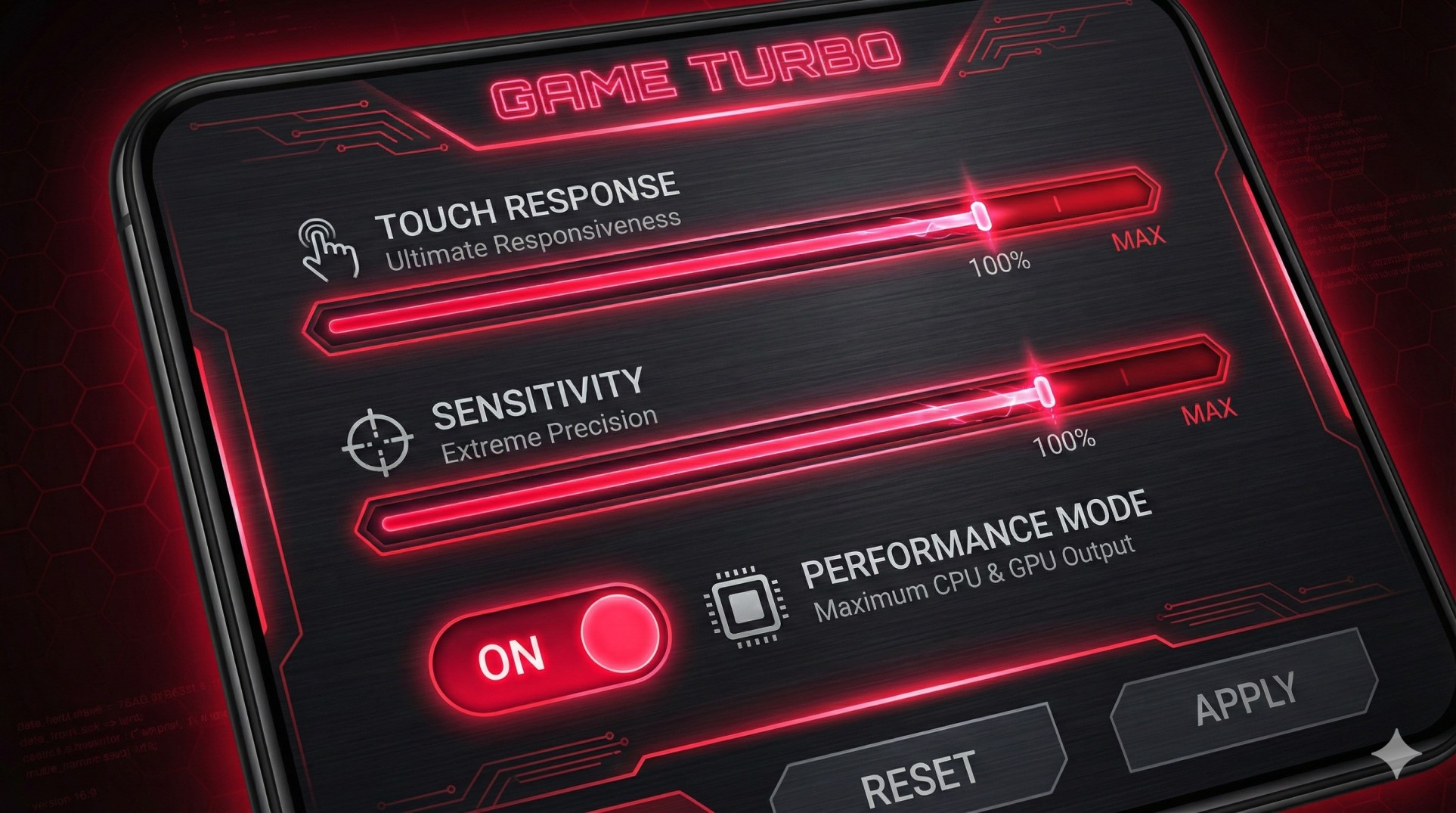
Look for a toggle switch named **"Pro Gamer Mode"**, **"Performance Mode"**, or **"GT Mode"**. Turning this on forces the processor to run at max clock speed. Your phone will get warmer, but the lag will disappear.
3. The Secret 'Touch Sensitivity' Settings
This is a hidden gem most gamers miss. You can actually customize how sensitive your screen is to taps.
- In Game Turbo settings, look for **"Additional Settings"**.
- Select your game (e.g., BGMI).
- You will see sliders for **"Touch Response"** and **"Sensitivity to continuous taps"**.
- Max them out! Your aim will feel incredibly snappy and responsive.
4. Voice Changer (For Fun)
Want to troll your teammates? Many Game Modes have a built-in Voice Changer.
While in-game, swipe from the edge of the screen to open the Game Toolbar. Look for the **Voice Changer icon**. You can sound like a robot, a girl, or a cartoon character without installing any sketchy third-party apps.
Conclusion: Use the Tools You Have
You don't need a RedMagic or ROG Phone to have a good gaming experience. Your current phone has powerful tools hidden in the settings. Spend 5 minutes configuring Game Mode, and you'll never die to a phone call again.
Want to record your clips without lag? Check our Screen Recorder Guide.