"You are leading the match. MVP performance.
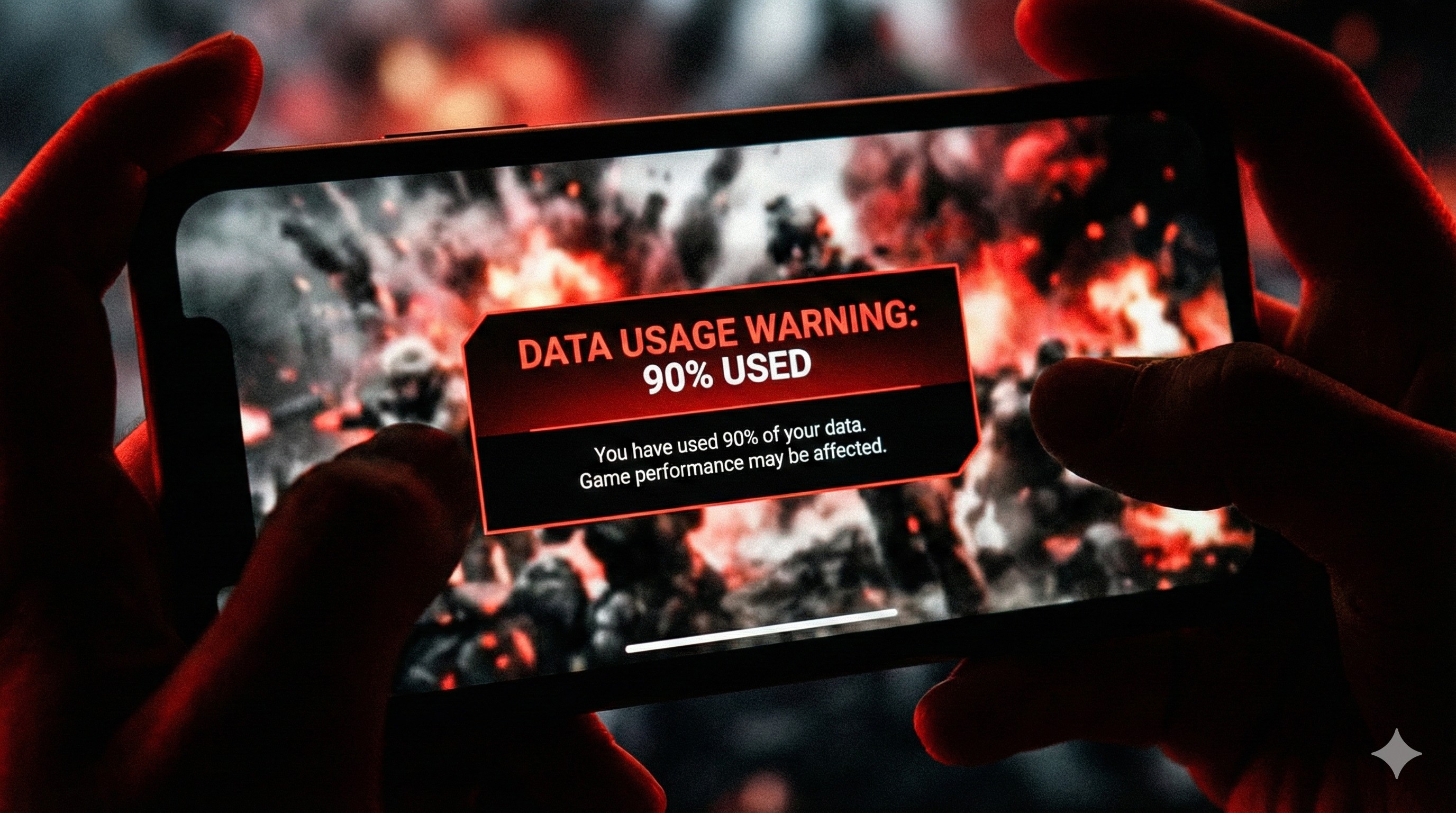
Then, the notification arrives: 'You have used 90% of your daily data limit.'
Panic sets in. You stop rushing. You hide in a corner.
And then... 'You have used 100% data.' The game disconnects. Game Over."
Online games actually use very little data (about 15-50MB per hour). So where does your 1.5GB go? It's usually wasted on useless downloads and background apps. Let's fix that leak.
"Playing BGMI for 1 hour uses less data than watching ONE Instagram Reel. The game isn't the problem; the updates are."
Step 1: The 'Resource Pack' Trap
This is the #1 data killer. Games like BGMI/Free Fire try to download "Skins" and "Maps" automatically in the lobby.
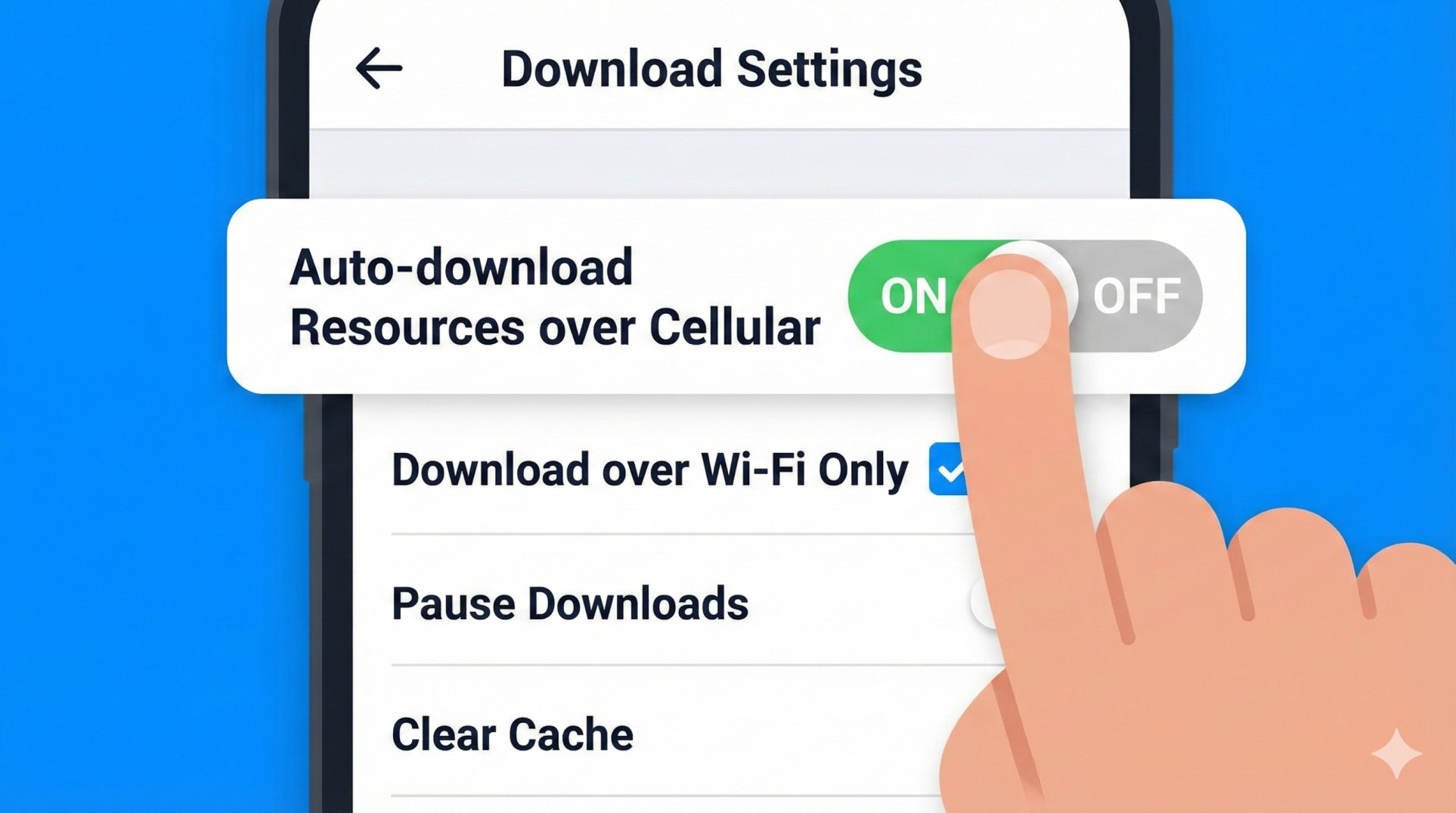
- Open your game settings.
- Go to **Downloads** or **Resources**.
- **Uncheck** "Auto-download over Cellular Data".
- Only download the maps you actually play (e.g., Erangel). Delete the rest to save space and data.
Step 2: Kill the Background Vampires
While you play, Instagram, WhatsApp, and Play Store are secretly sipping your data in the background.
The Fix: Before gaming, turn on **"Data Saver Mode"** in your phone settings. Or, go to App Info for heavy apps (like Instagram) and toggle **"Restrict Background Data"** to ON.
Step 3: Voice Chat Economics
Believe it or not, keeping your microphone ON constantly uses more data than the gameplay itself because it's constantly uploading audio.
Pro Tip: Only turn your mic on when you need to give info. If you are dead or just looting, keep it muted. This saves significant data over a 4-hour session.
Step 4: Stop Play Store Auto-Updates
Nothing is worse than Play Store deciding to update "Candy Crush" while you are in a ranked match. This causes massive ping spikes (999ms) and eats data.
- Open Play Store > Settings.
- Network Preferences > **Auto-update apps**.
- Select **"Don't auto-update apps"** or **"Over Wi-Fi only"**.
Conclusion: Game Smart
You don't need unlimited WiFi to be a pro gamer. By stopping auto-downloads and managing background apps, a simple 1.5GB pack can easily last for 6-8 hours of pure gaming.
Still lagging? It might not be data, but high ping. Read our Ping Guide.