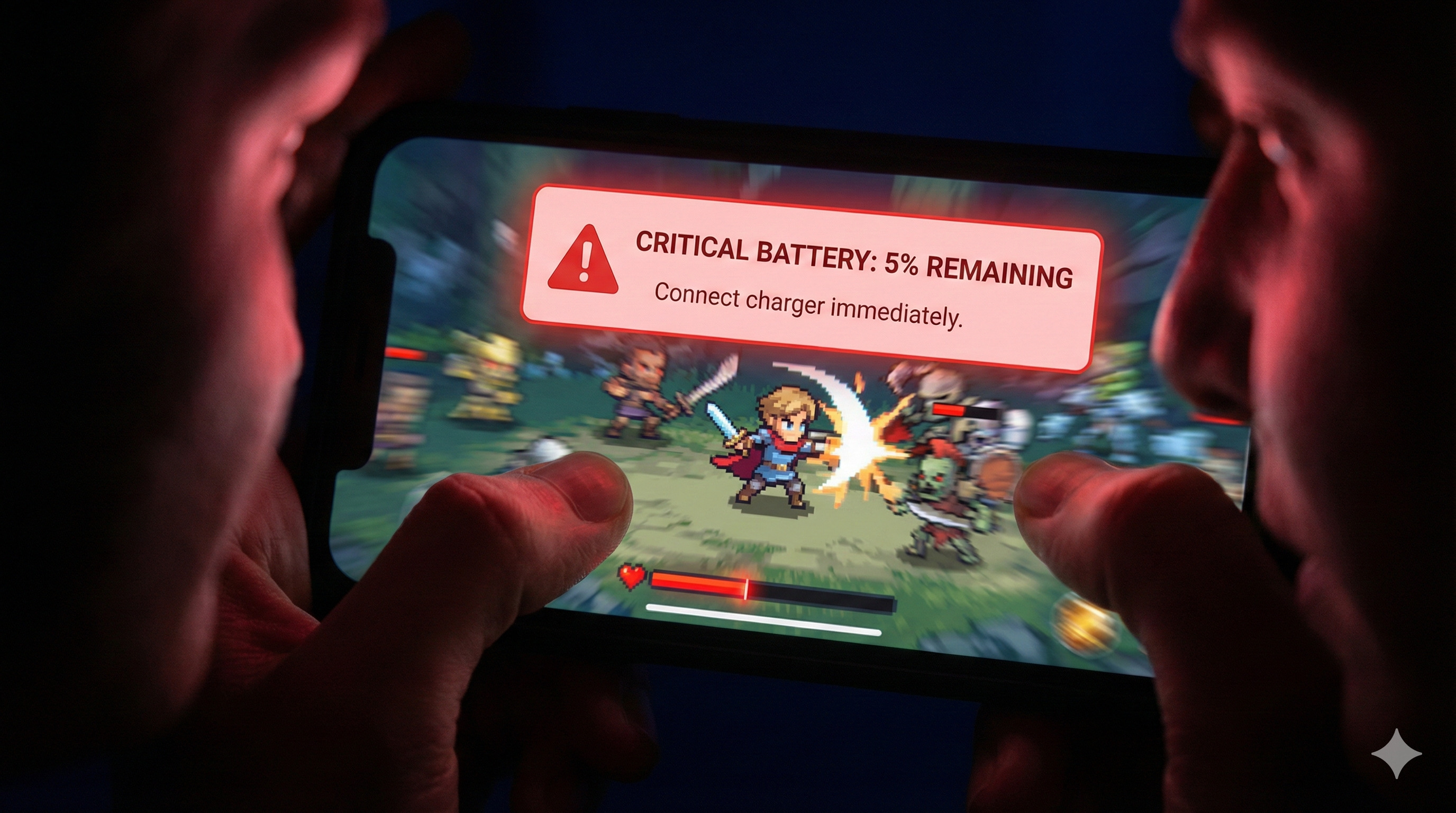
"You are in the zone. Your squad is pushing. You are about to clutch the match.
And then, the dreaded sound happens. A pop-up covers your screen: 'Battery Low: 10% remaining'.
By the time you close the pop-up, you are dead.
The real enemy wasn't the other team; it was your battery percentage."
Gaming is the most demanding thing a phone can do. It uses the screen, processor, graphics chip, and internet antenna all at maximum power simultaneously. Draining a 5000mAh battery in 3 hours is normal. But let's try to make it last 5 hours.
"Playing while connected to a power bank is tempting, but it generates massive heat, which damages the battery health permanently. Avoid it if possible."
Step 1: The Screen is the Biggest Enemy
Your beautiful, bright AMOLED screen is drinking battery juice faster than anything else.
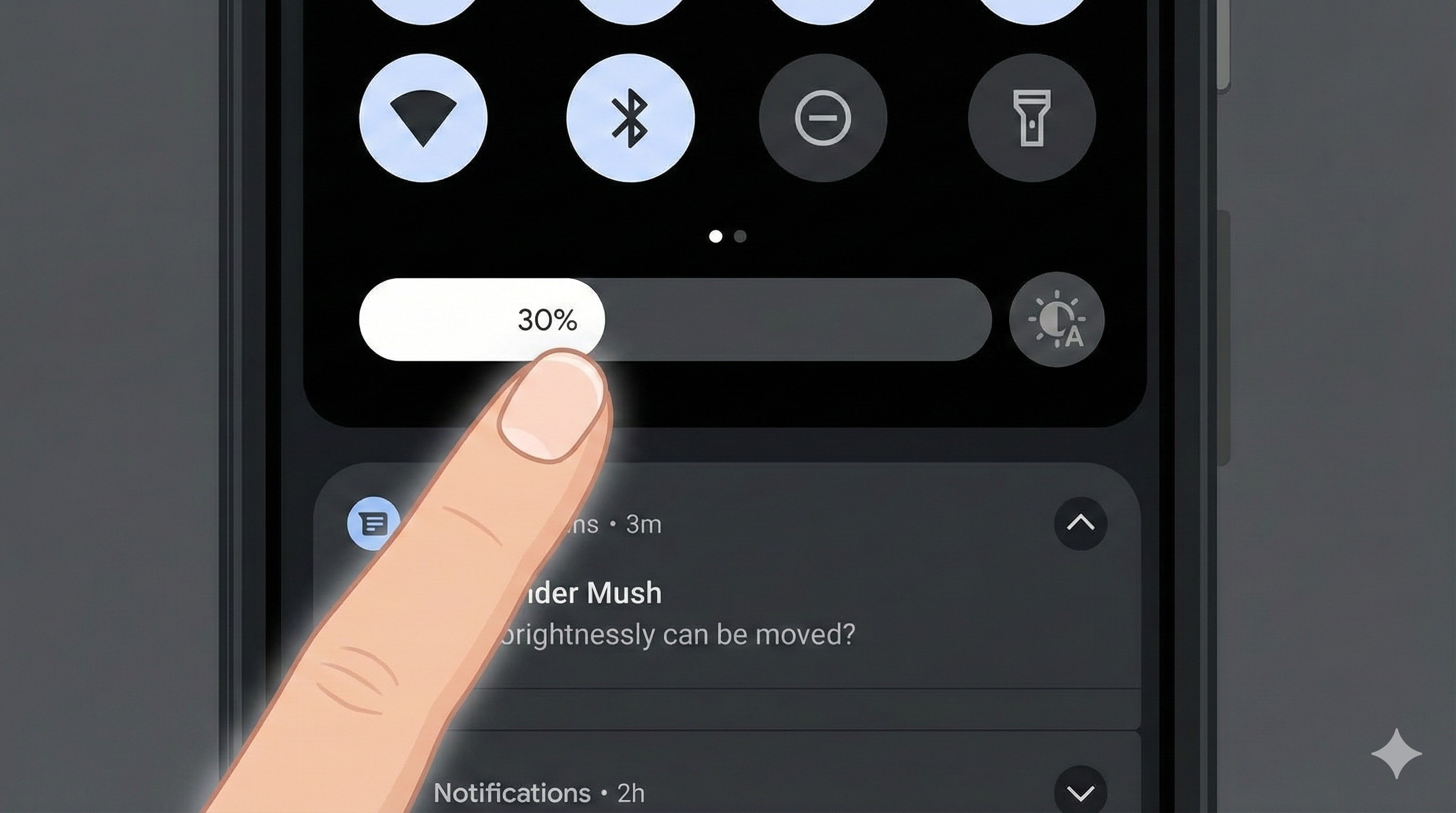
- Disable Auto-Brightness: The sensor constantly adjusting brightness wastes power.
- Set Manual Brightness: Set it to the lowest comfortable level (around 40-50%). Do not play outdoors in direct sunlight; you'll need 100% brightness, which kills the battery in an hour.
Step 2: The 'Vibration' Vampire
Every time you shoot, get hit, or drive a car, your phone vibrates. This requires a physical motor to spin inside your phone, which uses significant power.
The Fix: Go to game settings and **turn OFF 'Haptic Feedback' or 'Vibration'**. You won't miss it after a few games, and you'll gain extra playtime.
Step 3: Audio Decisions (Speakers vs. Headphones)
Blasting game audio through your phone's loud speakers uses more power than you think.
Pro Tip: Use wired headphones or Bluetooth earbuds. Driving small earbuds takes much less power than driving big phone speakers.
Step 4: The Frame Rate Trade-off
This is a hard choice. Playing at 90 FPS feels amazing, but it forces your GPU to work 50% harder than 60 FPS.
If you are playing casually and need the battery to last, consider locking the game to **60 FPS** instead of 90 FPS or 120 FPS. It's still smooth but much more battery-friendly.
Conclusion: Squeeze Every Drop
You don't have to turn your gaming phone into a Nokia 3310 to save battery. Just managing brightness, turning off vibration, and using headphones can give you that crucial extra hour of gaming to finish your session.
Is your phone heating up while draining battery? That's a bad sign. Read the Heating Fix Guide immediately.