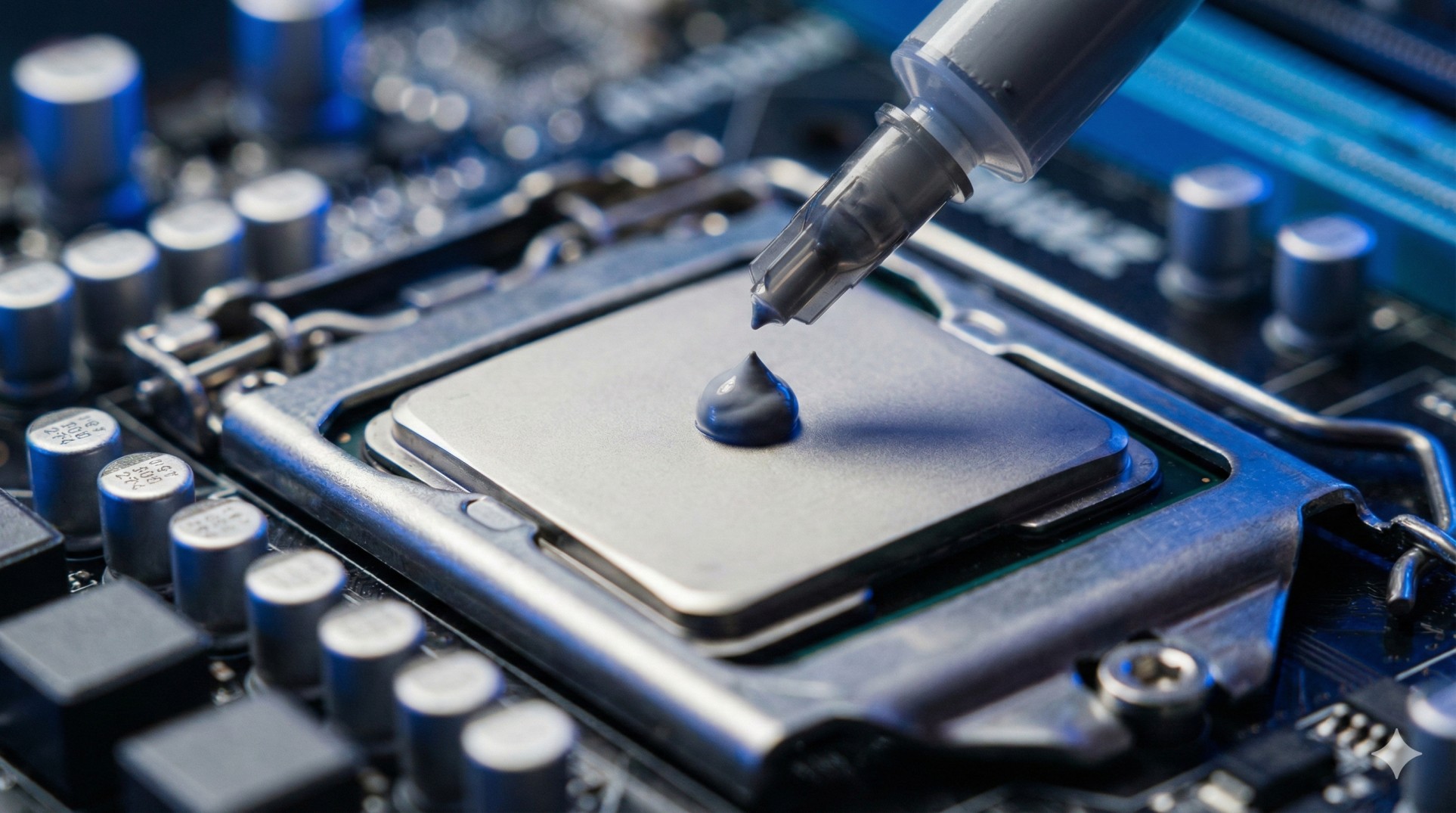
"Your PC fans are screaming like a jet engine. Your game is lagging. You check the temperature: 95°C.
You think your cooler is broken. You think you need a new PC.
Wrong. Your thermal paste has just turned into dried-up toothpaste.
It's time for surgery, doctor. Put on your gloves."
Thermal paste fills the microscopic gaps between your CPU and the cooler. Without it, heat gets trapped. Most factory paste dries up after 2 years. Changing it can drop temps by 10-20°C instantly.
Turn off your PC and unplug the power cable. Touch a metal object to discharge static electricity before touching the motherboard.
Step 1: What You Need
Don't use toothpaste or mayonnaise (yes, people have tried). Buy these:
- Thermal Paste: Arctic MX-4 or Noctua NT-H1 (Reliable & cheap).
- Isopropyl Alcohol (99%): To clean the old gunk.
- Paper Towels or Coffee Filters: Don't use toilet paper (it leaves dust).
- Screwdriver: To remove the cooler.
Step 2: Remove the Old Gunk
Unscrew the cooler and gently twist it to break the seal. Once off, you will see grey, crusty stuff on the CPU.
Dip your paper towel in alcohol and wipe the CPU surface until it shines like a mirror. Do the same for the bottom of the cooler. It must be 100% clean.
Step 3: The "Pea Method" (Don't Overdo It!)
This is where everyone fights. Line method? X method? Spread method?
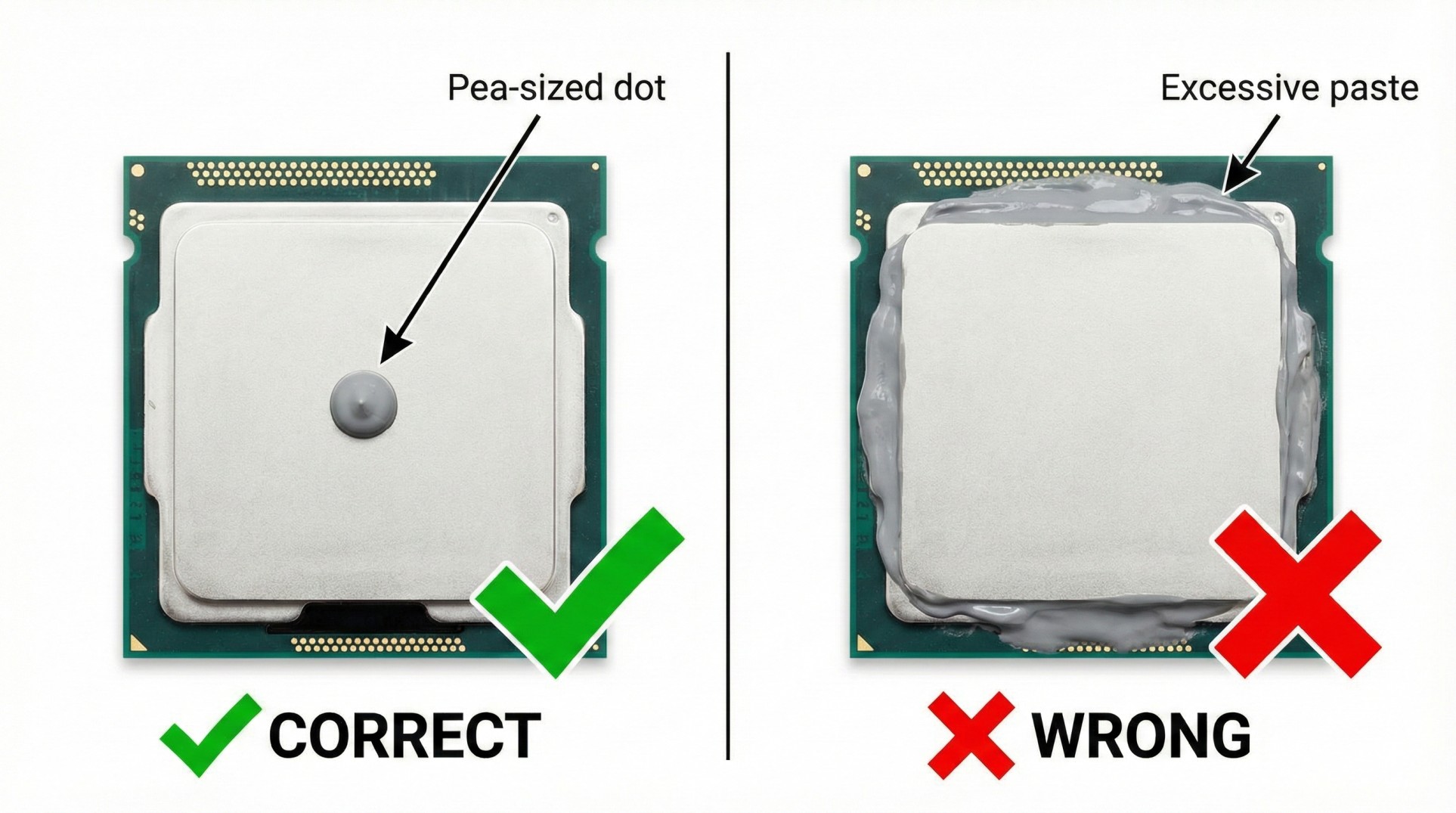
The Verdict: Just put a small dot, the size of a pea, right in the center of the CPU. That's it.
When you screw the cooler back on, the pressure will spread it perfectly. If you put too much, it will spill over the sides and make a mess.
Step 4: Reassemble & Test
Place the cooler back on. Tighten the screws in a diagonal pattern (Top-Left, then Bottom-Right) to apply even pressure.
Plug everything in, turn on the PC, and check your temps using HWMonitor. If it's idling at 35-40°C, congratulations! You just saved your PC.
Conclusion: Maintenance is Key
Changing thermal paste is like changing the oil in your car. Do it every 2 years, and your PC will run cooler, quieter, and faster.
Laptop overheating? The process is similar, but harder to open. Check our Laptop Guide.