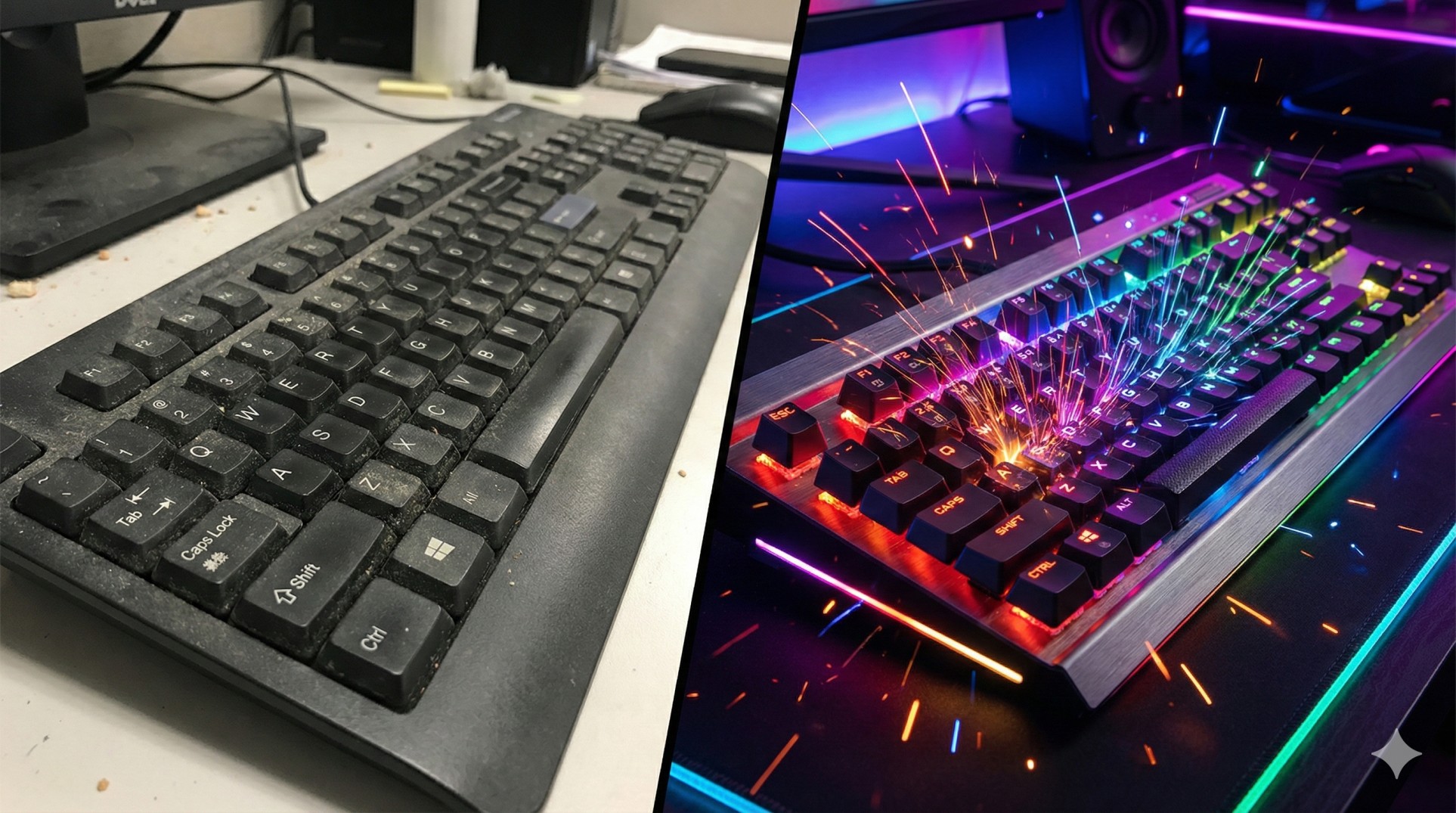
"You press a key on your old office keyboard. It feels squishy, like pushing your finger into mashed potatoes.
Sometimes you press 'W' to walk forward, but the game doesn't register it.
This is the curse of the Membrane Keyboard. It's cheap, quiet, and terrible for gaming."
If you are still using the keyboard that came free with your PC, you are playing at a disadvantage. Let's explore why Mechanical Keyboards are the standard for every pro gamer.
"Membrane keyboards use a rubber sheet. You have to press the key ALL the way down to complete the circuit.
Mechanical keyboards use physical switches. They register the click halfway down, making them much faster."
1. Durability: Built like a Tank
Membrane keyboards wear out after 5 million keystrokes. The rubber gets hard or tears.
Mechanical switches are rated for 50 to 100 million keystrokes. You can literally rage-smash them (don't do it, though), and they will survive.
2. The "Feel" (Tactile Feedback)
With mechanical keys, you feel exactly when the key activates. This builds muscle memory. You stop bottoming out keys unnecessarily, which reduces finger fatigue.
3. Which Switch Color is for You?
If you buy a mechanical keyboard, you have to choose a "Switch Color". This determines how the key feels and sounds.
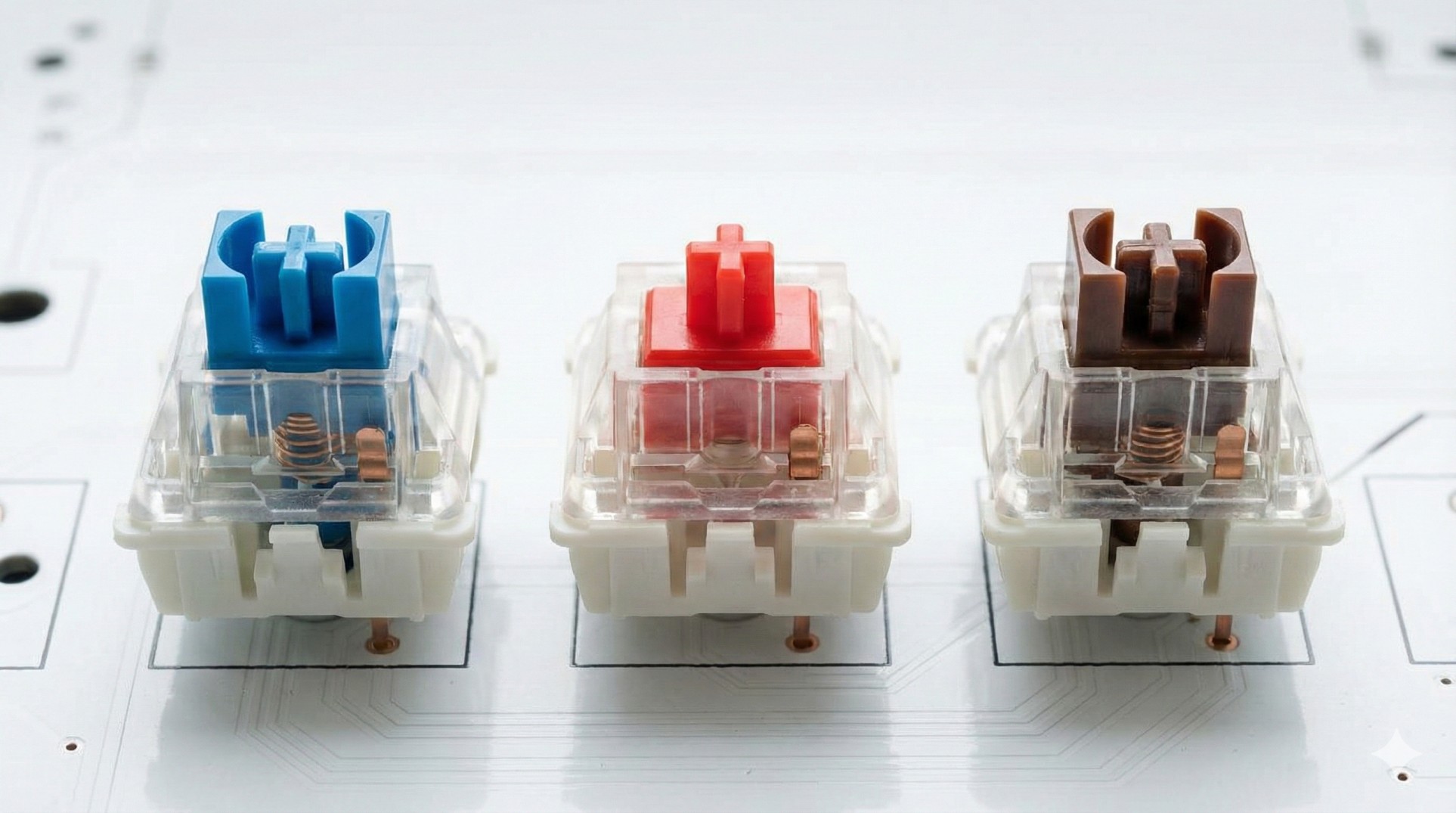
- 🔵 Blue Switches (Clicky): Very loud "Click-Clack" sound. Great for typing, annoying for teammates on mic.
- 🔴 Red Switches (Linear): Smooth and silent. No bump. The fastest for gaming (preferred by pros).
- 🟤 Brown Switches (Tactile): A mix of both. Has a bump but no loud click. Good for hybrid use.
4. What is "N-Key Rollover"?
Cheap keyboards have "Ghosting". If you press W + Shift + Space at the same time, the Space bar might not work.
Mechanical keyboards have N-Key Rollover, meaning you can press all 104 keys at once, and they will all register. Crucial for complex movement in games.
Conclusion: Once You Click, You Can't Go Back
You don't need to spend $200. Even a budget $30 mechanical keyboard is 10x better than a membrane one. Get Red switches if you want speed, Blue if you want to annoy your neighbors.
Got a new monitor yet? Check our Hertz Guide.