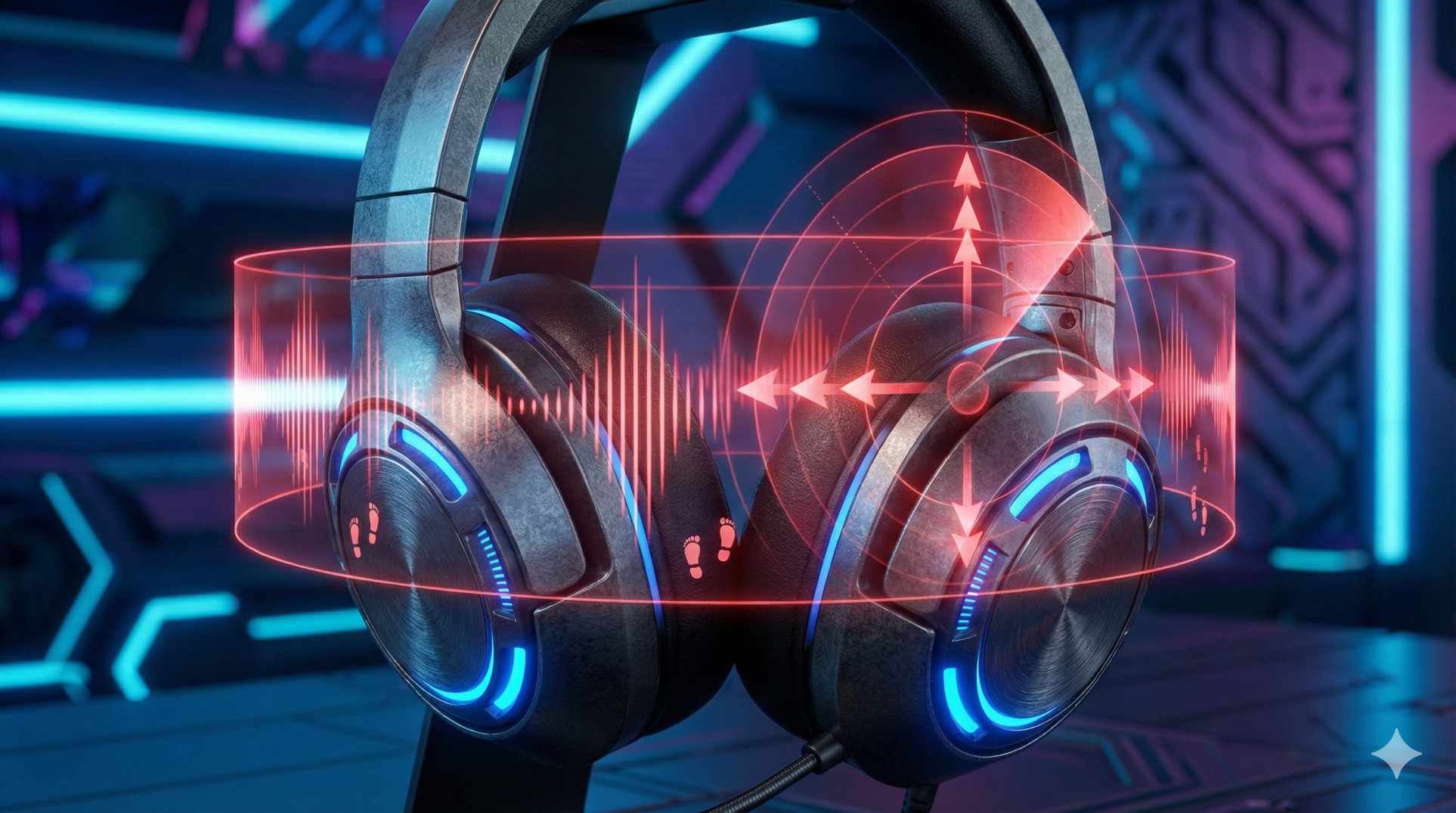
"You are camping in a building. It's dead silent.
Suddenly, you get shot from behind. You scream: 'I didn't hear him!'
But in the replay, the enemy was running like an elephant.
Your expensive '7.1 Surround' headset betrayed you. It muffled the sound instead of clarifying it."
Marketing teams want you to believe that "7.1 Surround Sound" gives you a wall-hack advantage. The truth? For competitive games like CS2, Valorant, or BGMI, basic Stereo is often better.
"Two ears, two drivers. Humans hear naturally in Stereo (Left/Right). Most cheap 'Virtual 7.1' software just adds echo to simulate space, which makes precise footsteps sound muddy and distant."
1. Stereo Mode: The King of Precision
Pro gamers turn OFF surround sound. Why?
In Stereo Mode, the game engine calculates exactly how loud a sound should be in your Left vs. Right ear to tell you direction. It is raw, unfiltered audio. It lets you pinpoint exactly where a shot came from.
2. The Free Upgrade: Windows Sonic
If you have a cheap headset and the sound feels "flat" (inside your head), don't buy a new one yet. Windows has a hidden feature called "Spatial Audio".
- Right-click the Speaker Icon in your taskbar.
- Go to Spatial Sound.
- Select Windows Sonic for Headphones.
This creates a virtual 3D space using advanced HRTF algorithms, making it easier to hear if footsteps are above or below you.
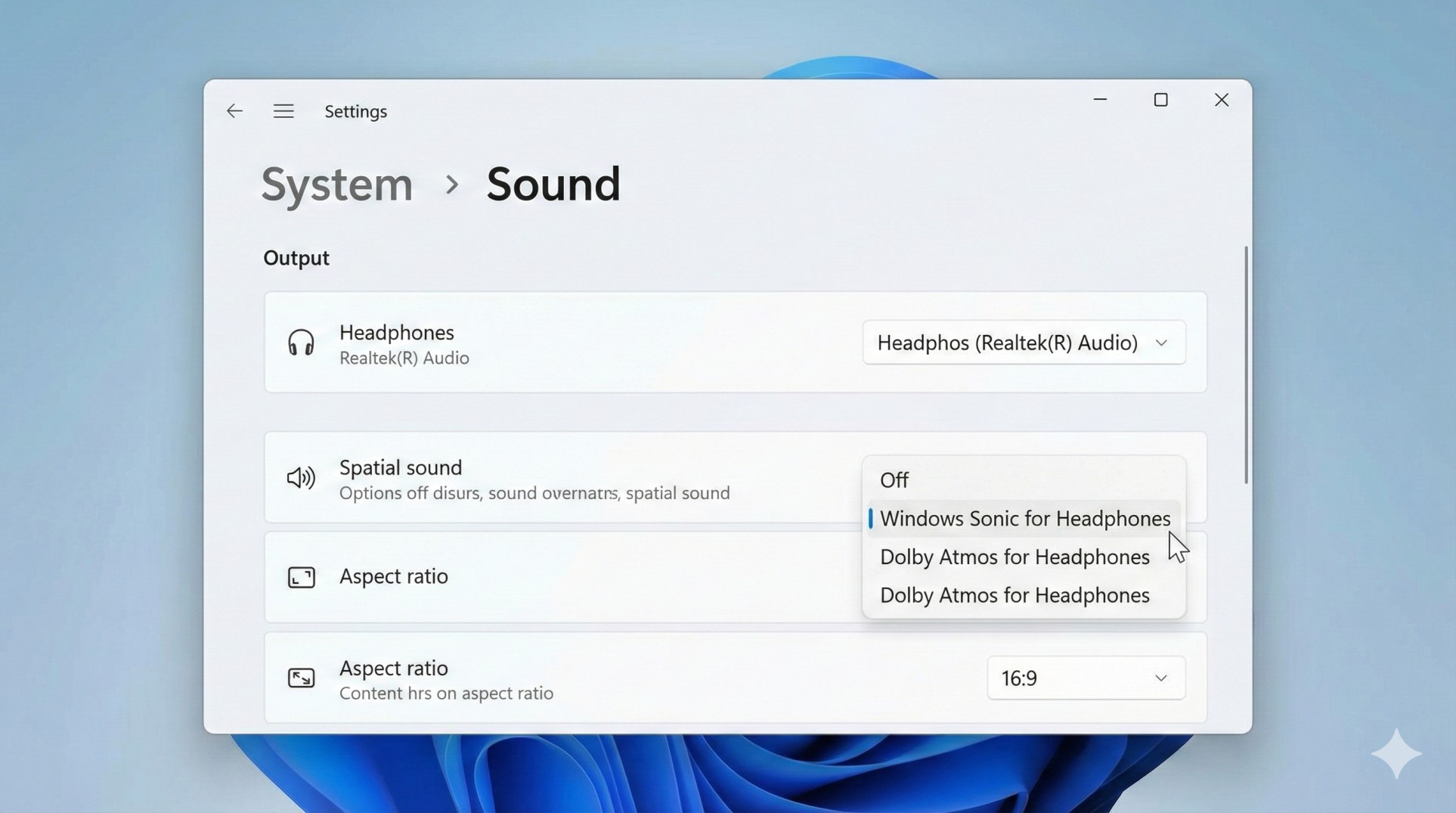
3. Paid Option: Dolby Atmos
If you want the best movie-like experience, Dolby Atmos for Headphones (approx $15) is incredible for open-world games like Cyberpunk or Forza. But for competitive shooters? Stick to Stereo or Windows Sonic.
4. The Equalizer Trick (EQ)
Want to hear footsteps louder? Tweak your EQ.
- Footsteps usually live in the High-Mid frequencies (2k - 4k Hz).
- Explosions live in the Bass (Low) frequencies.
- Pro Tip: Lower the Bass slightly (so explosions don't deafen you) and boost the High-Mids slightly. Now footsteps will cut through the noise.
Conclusion: Turn Off the Gimmicks
Open your headset software (Razer/Logitech/Corsair) and turn OFF "Virtual 7.1 Surround". Set your game Audio to "Headphones" or "Stereo". Your ears will adjust in a day, and you will start hearing enemies before they see you.
Graphics drivers outdated? Update them now for better FPS.